

Uploading Content
Creating and publishing your own podcast or episode is easy through the “Library”.
- Create a New Podcast or Show
From the Library page, select “New Podcast” if you wish to create a new Podcast, or select “New Show” if you wish to create a new radio show.
Fill in the basic details: Title, Description, Thematic Categories and upload the promotional material of your production.


- Add an Episode
After you create your show, you can add your first episode.
Navigate to your new Podcast or Radio Production page, where you will see a button labeled “Add Episode”. From this option, you can upload the audio file of your episode.
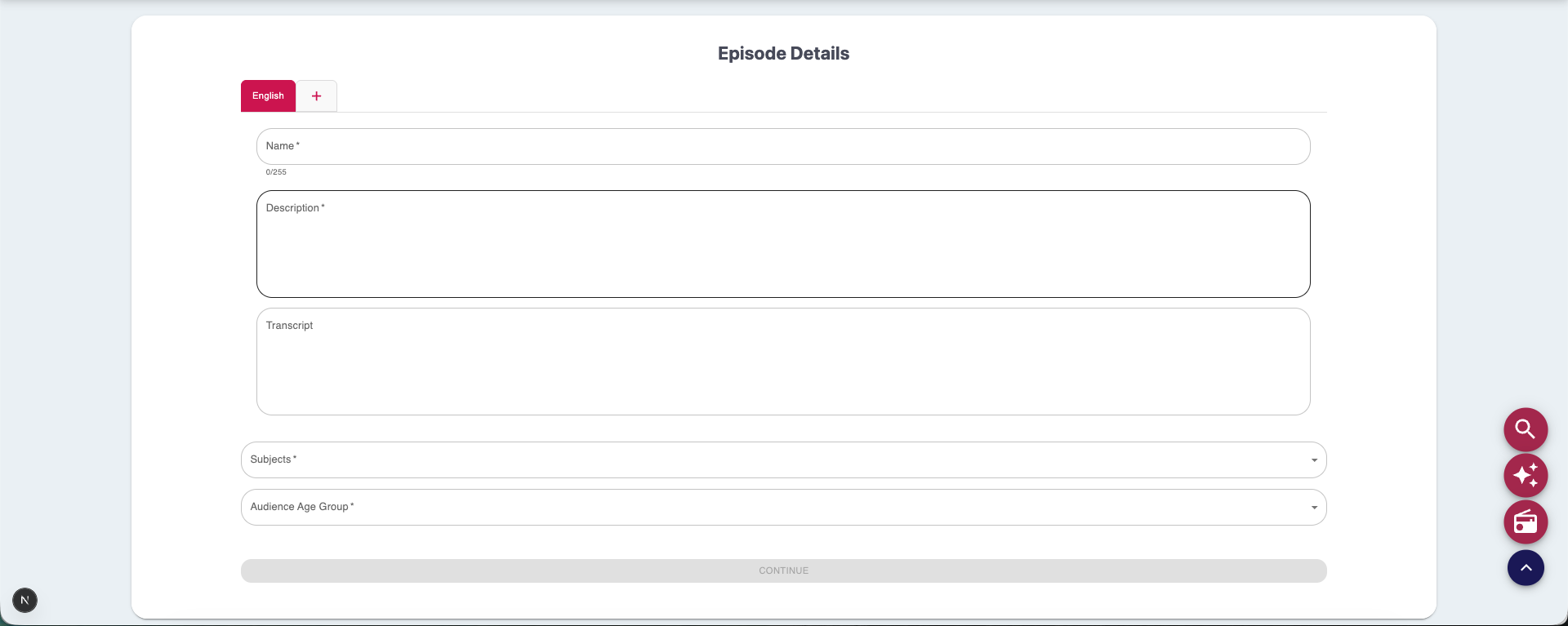
Fill in the basic details: Title, Description, Thematic Categories, Age Groups and upload the audio file of your episode.


- Publish & View
After completing the episode upload process, your episode becomes public and appears:
– In your Library
– On your Home Page (if featured)
– And on your Profile, along with your other projects

0 of 0 users found this section helpful
Help Guide Powered by Documentor

