
Your First Login
Login or Register on the Platform
To get started, visit the European School Radio / Youth Radio homepage.
At the top of the screen, you will find the “Login” button.


Create a New Account
Select “Register” to create a new account.
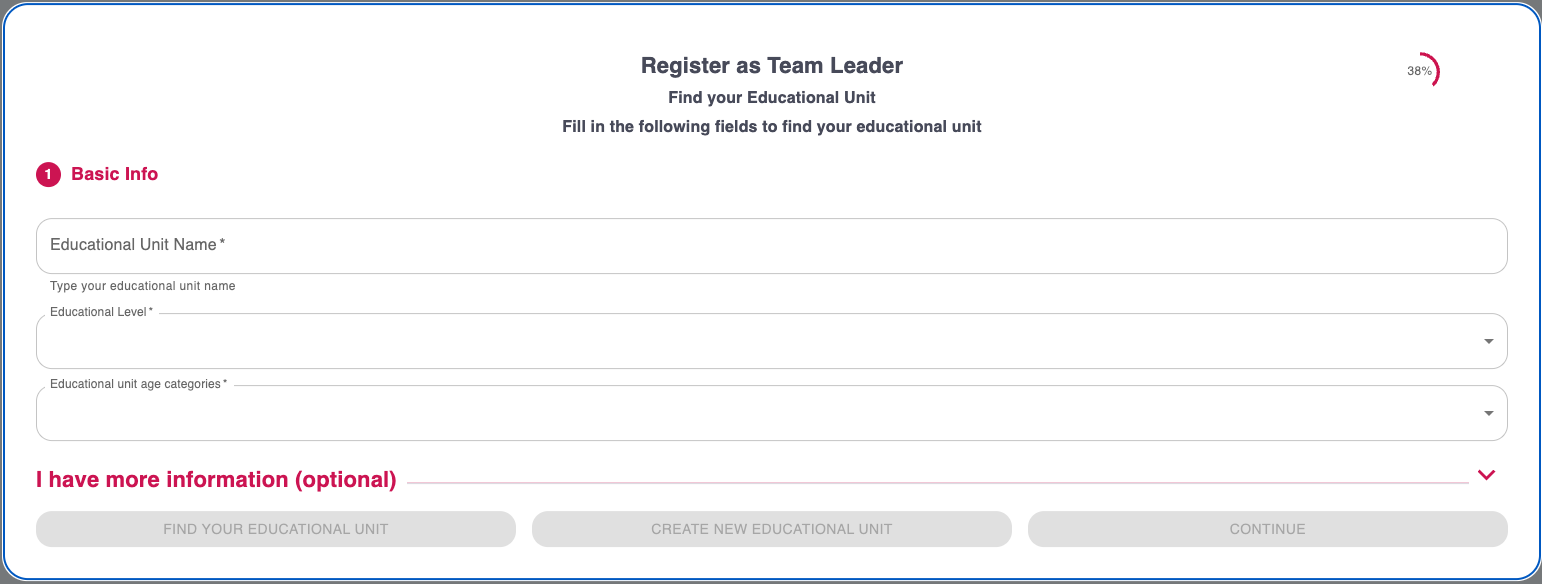
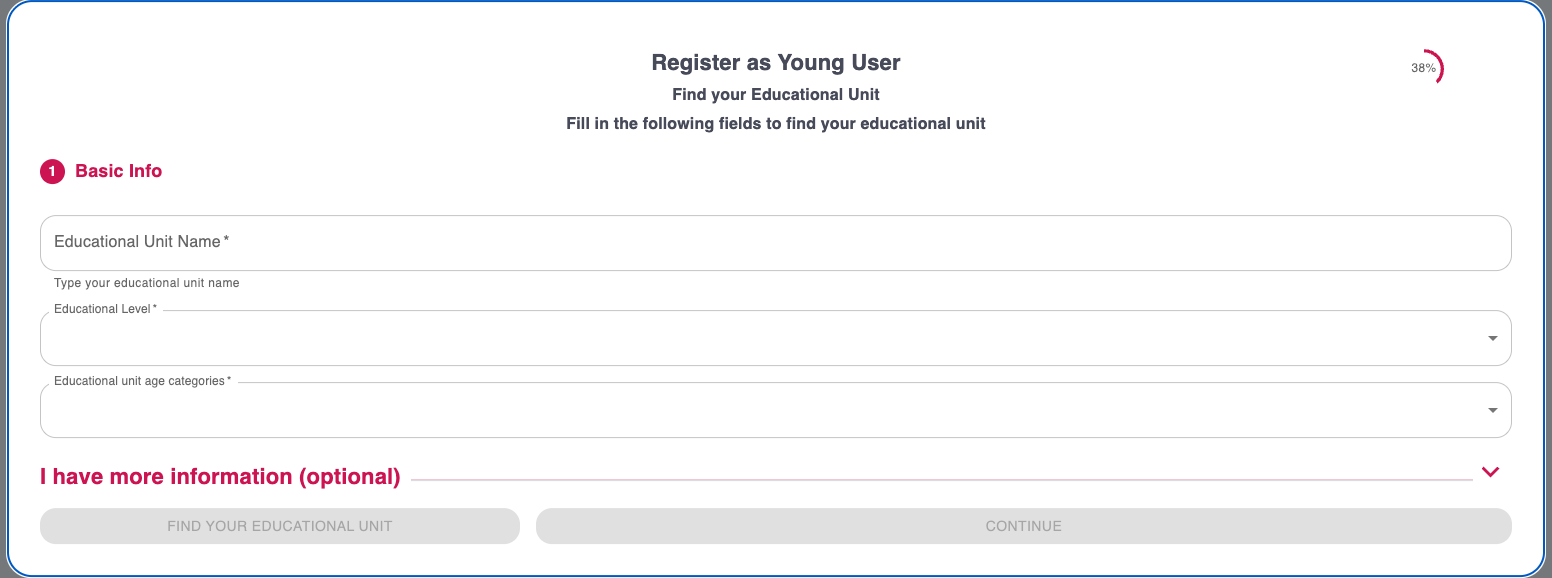
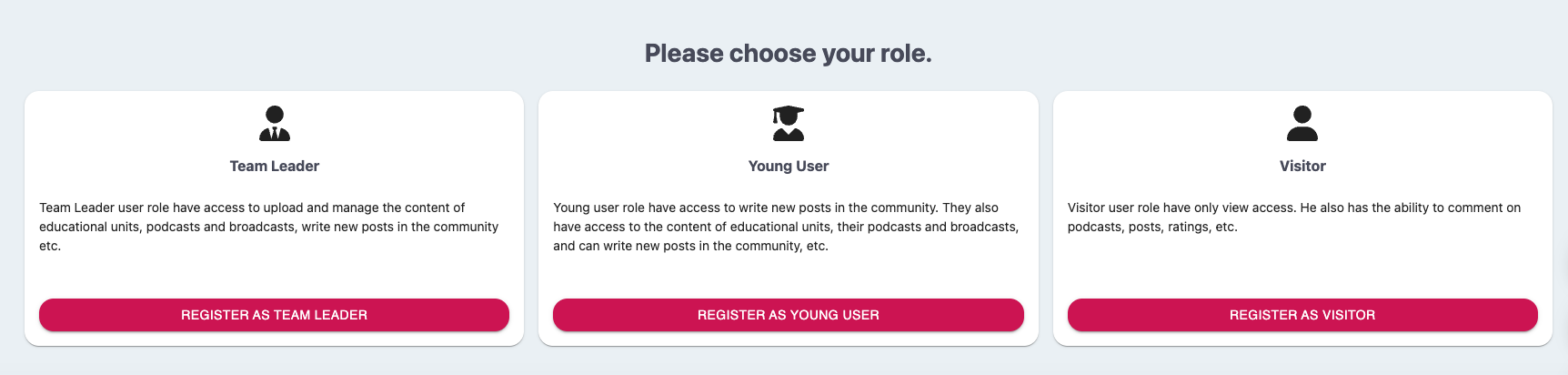
When registering, you will need to select your role within the platform:
- Young User or Team Leader
You will be asked to search for and select your Educational Unit from the relevant list.
 Visitor
For visitors, it is sufficient to fill in an email and a password. No selection of an Educational Unit is required.

Login to the Platform
If you already have an account, select “Login“.
You can log in either with your email or with the username you provided during registration, entering the corresponding password.

After you complete the login, you will be automatically taken to your work environment, which is configured according to your role.
User Roles
The platform has different user roles, each with their own capabilities:
- Young User: It creates and uploads radio shows, participates in actions and collaborations.
- Team Leader: Manages the Educational Unit team, approves broadcasts and monitors student activity.
- Visitor: He has access to content and shows without actively participating in their creation.
0 of 0 users found this section helpful
Help Guide Powered by Documentor

