

User profile management
In this manual, we will guide you through the process of changing your profile information, such as your email, password and phone number.
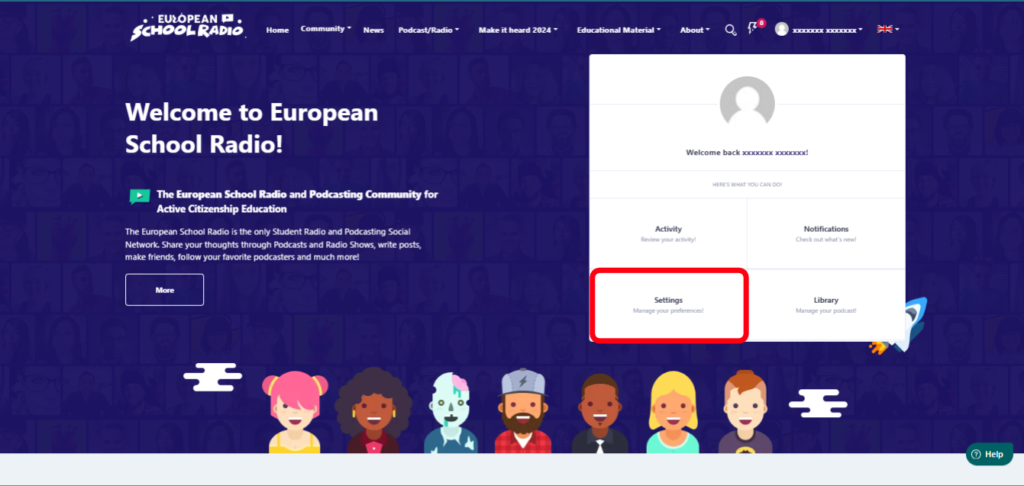
Step 1: Select the “Settings” tab.
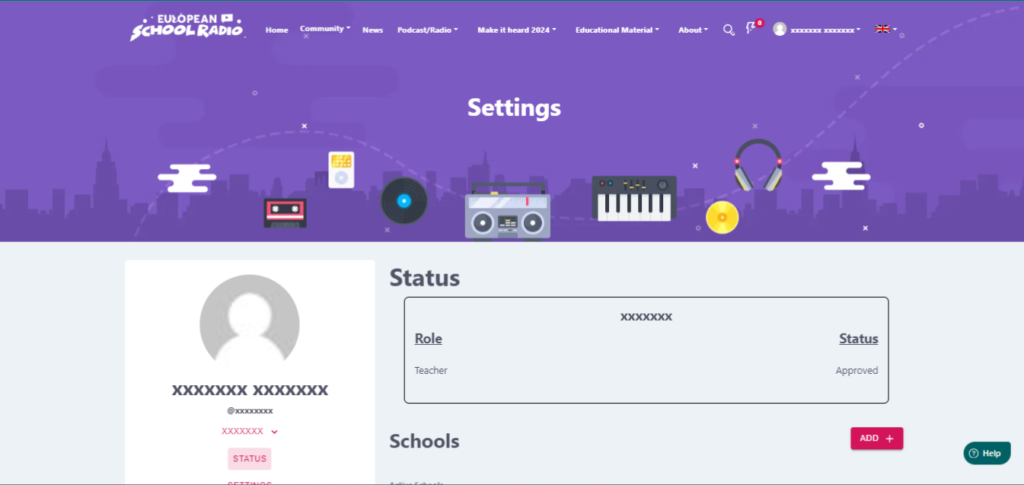
Scroll down.
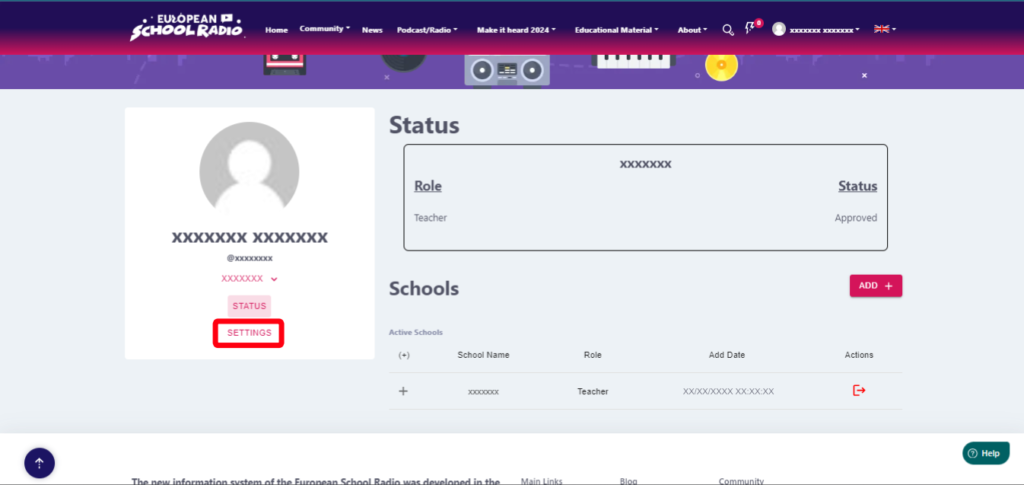
Step 2: Select “Settings” and then scroll down.
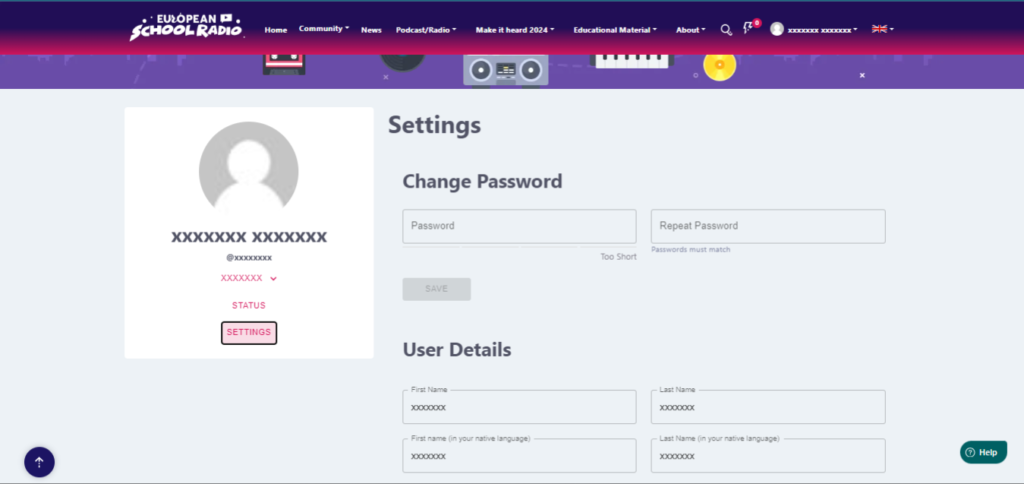
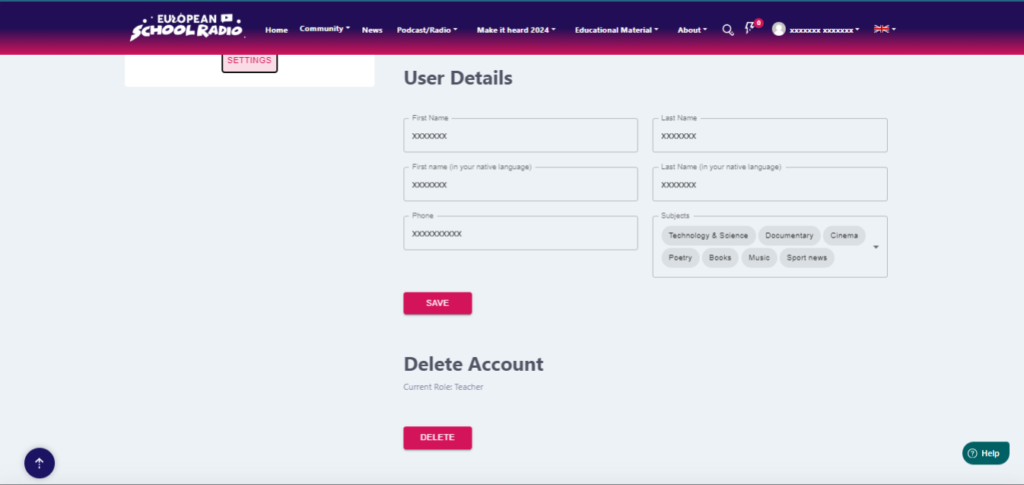
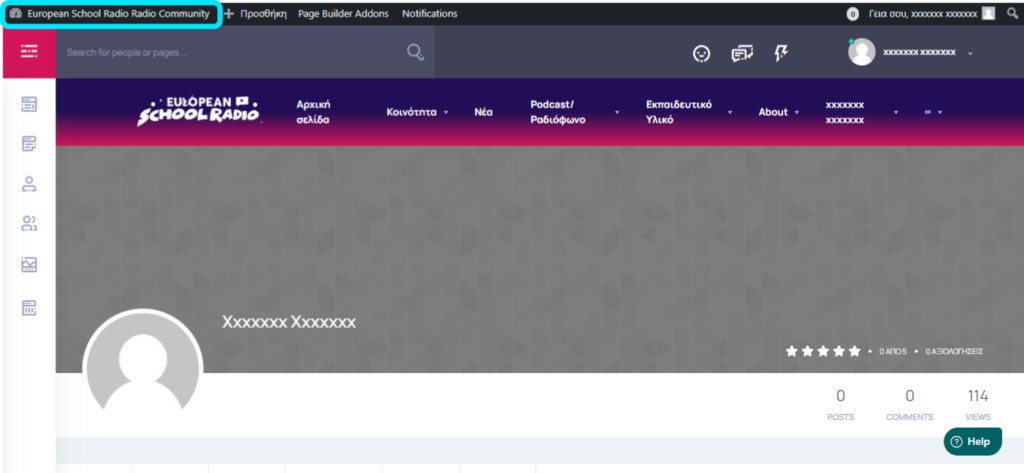
The rest of the changes are made in the Community environment.
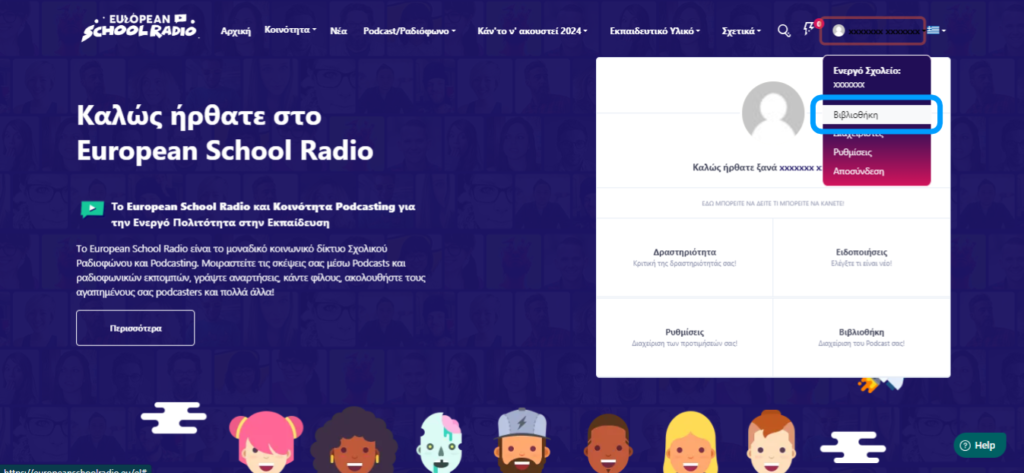
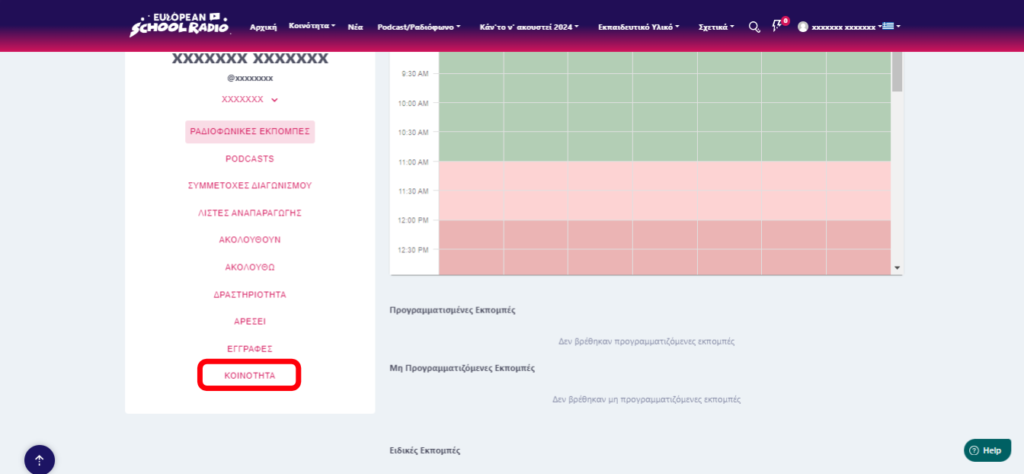
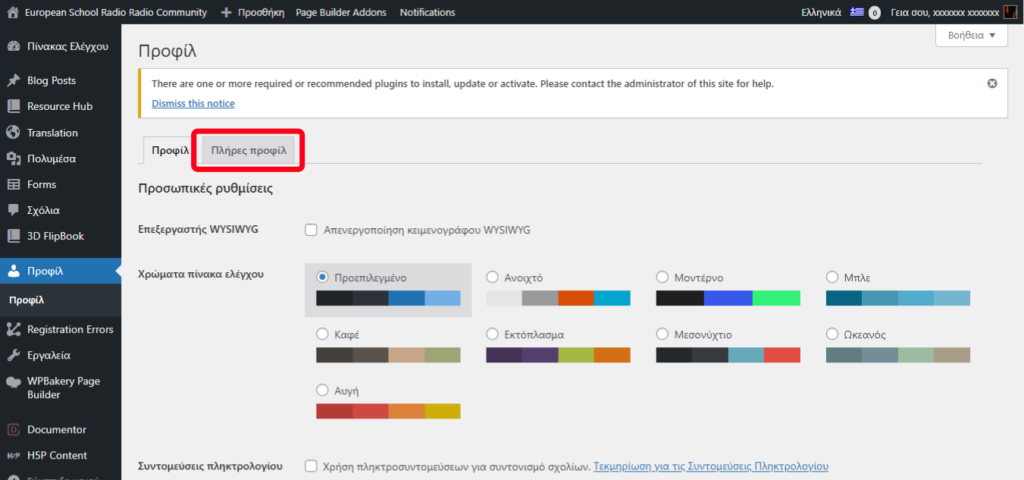
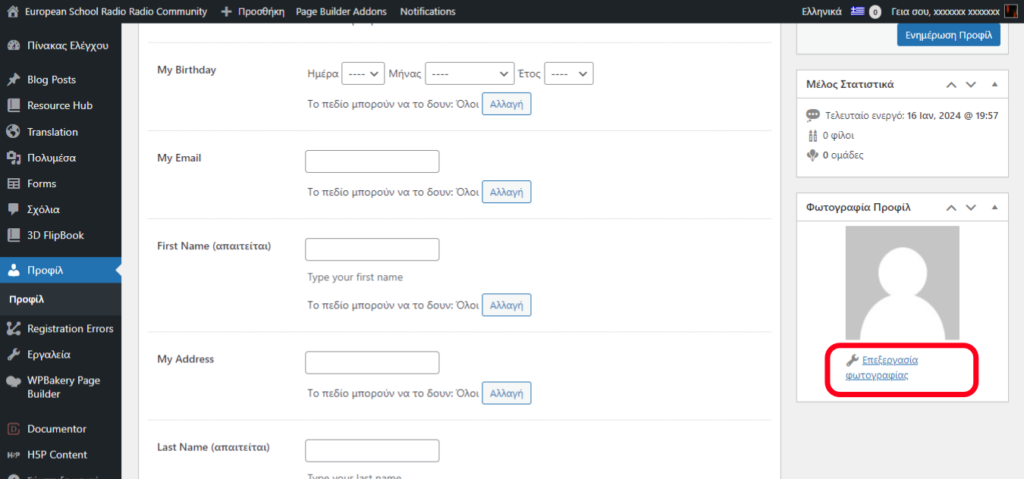
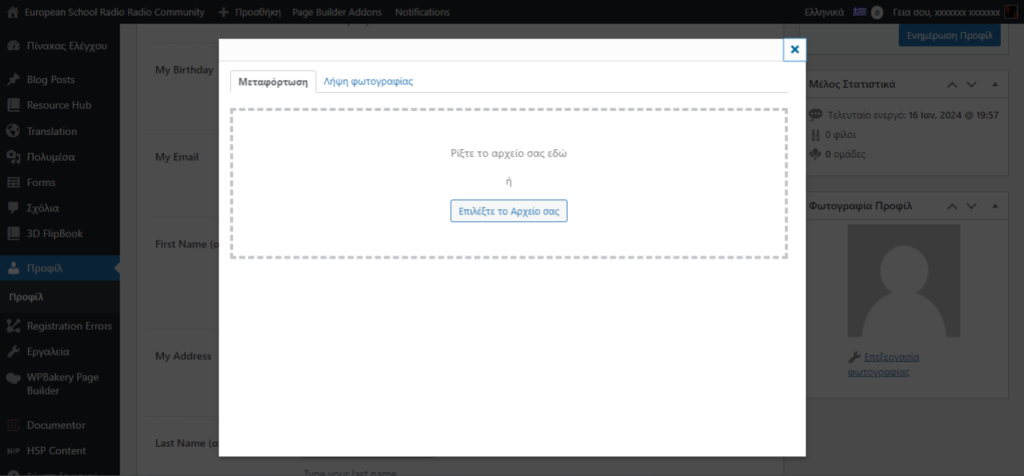
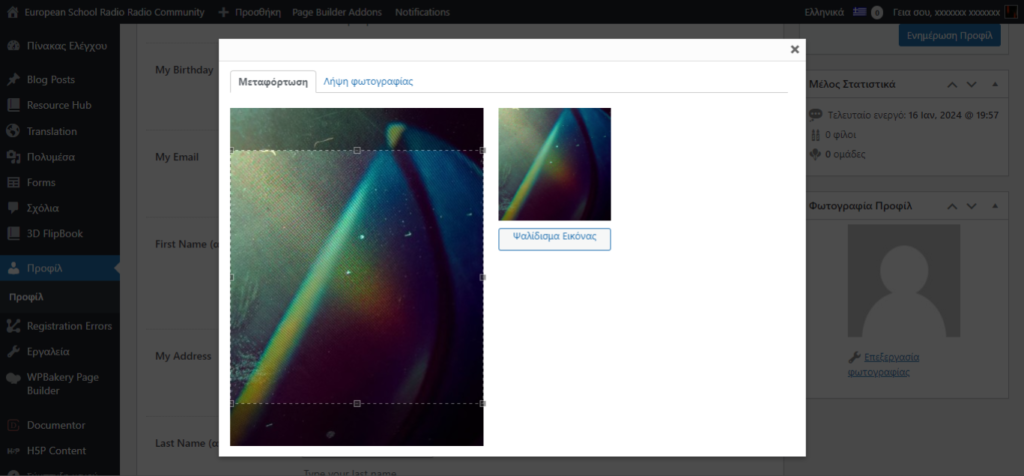
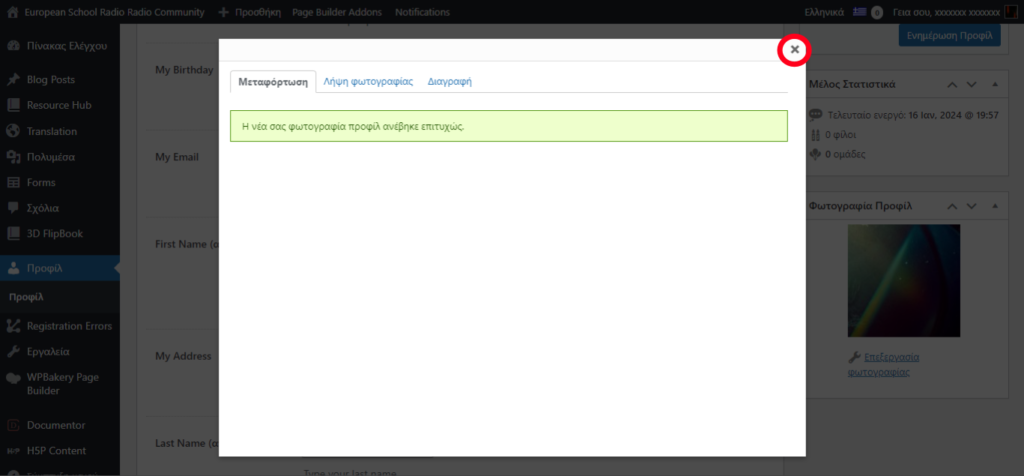
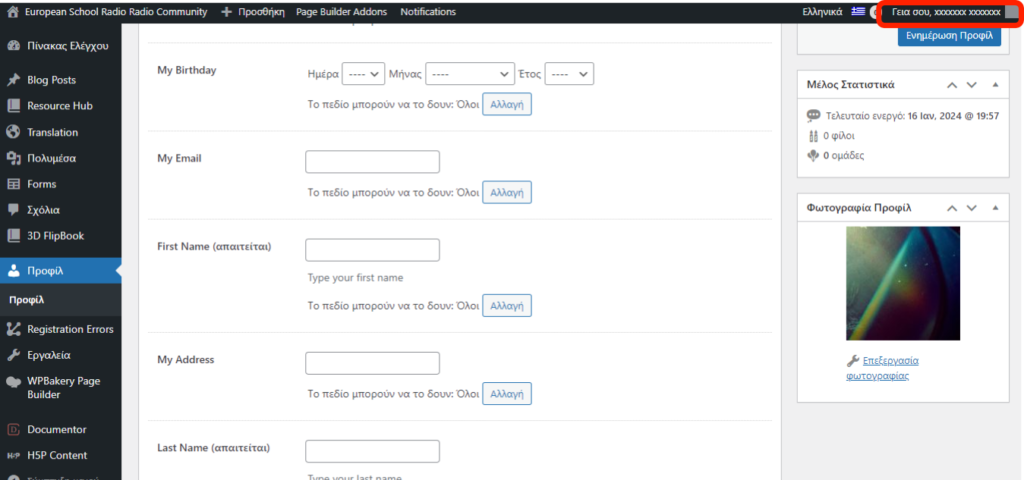
To change the profile photo, please follow the steps below.
0 of 0 users found this section helpful
Help Guide Powered by Documentor

