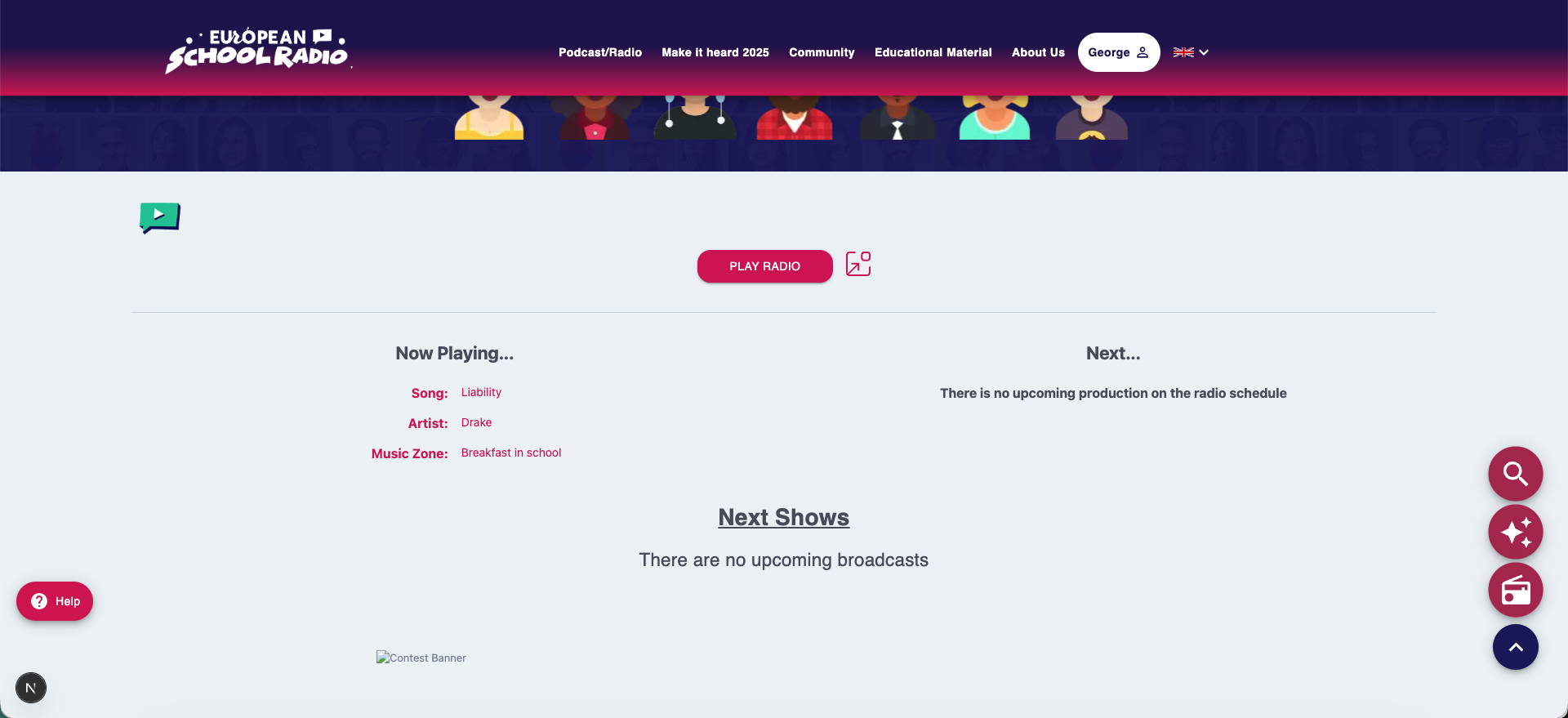

Écoute instantanée
La plateforme vous permet d’écouter en direct la station de radio scolaire européenne depuis n’importe où dans l’interface utilisateur, sans avoir à quitter la page sur laquelle vous vous trouvez.

Localisation du lecteur radio en direct
Le lecteur radio en direct apparaît sous la forme d’un bouton circulaire (bouton d’action flottant) en bas à droite de l’écran.
Cliquer dessus ouvre une petite fenêtre contenant le flux radio de la station.

Démarrer la lecture
Pour commencer à écouter, ouvrez simplement la petite fenêtre contenant le flux radio.
La diffusion en direct commencera immédiatement et l’indicateur « En cours de lecture » apparaîtra, vous informant de l’émission en cours.
Prochains spectacles
Les émissions suivantes ne sont pas affichées dans la petite fenêtre du lecteur, mais sont disponibles :
- Dans le programme de la station (Gestionnaire Radio)
- Et sur la page d’accueil (disponible uniquement sur la plateforme de la Radio Scolaire Européenne)
Vous pouvez y voir ce qui est prévu au programme et programmer votre écoute.