

(English) How to register my school in the platform
If you didn’t find your school, then you need to create a new one, you can follow the steps below.
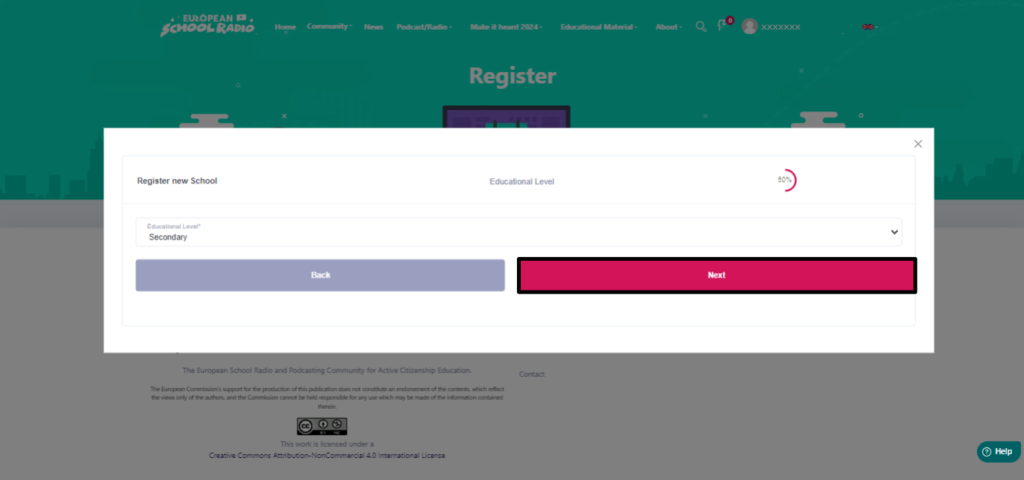
- Step 1: Select the educational level of the school you want to create.
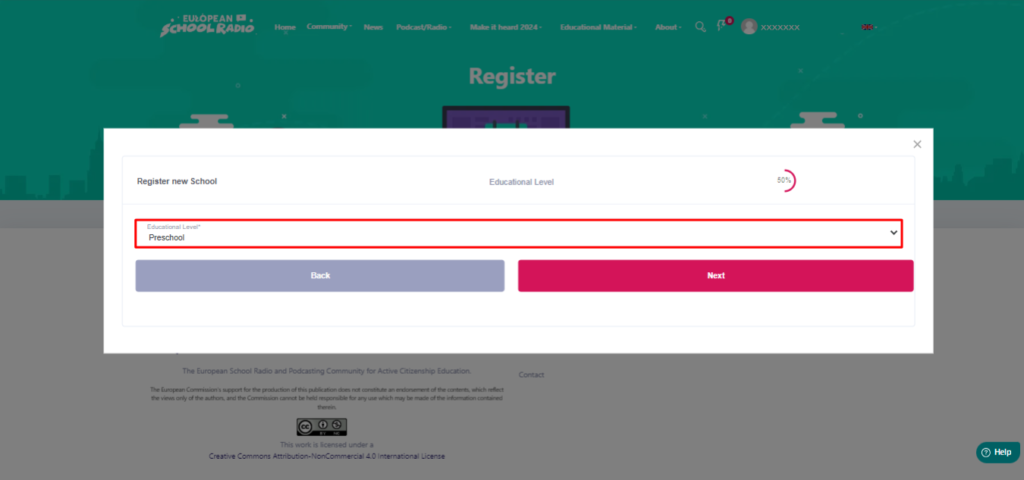
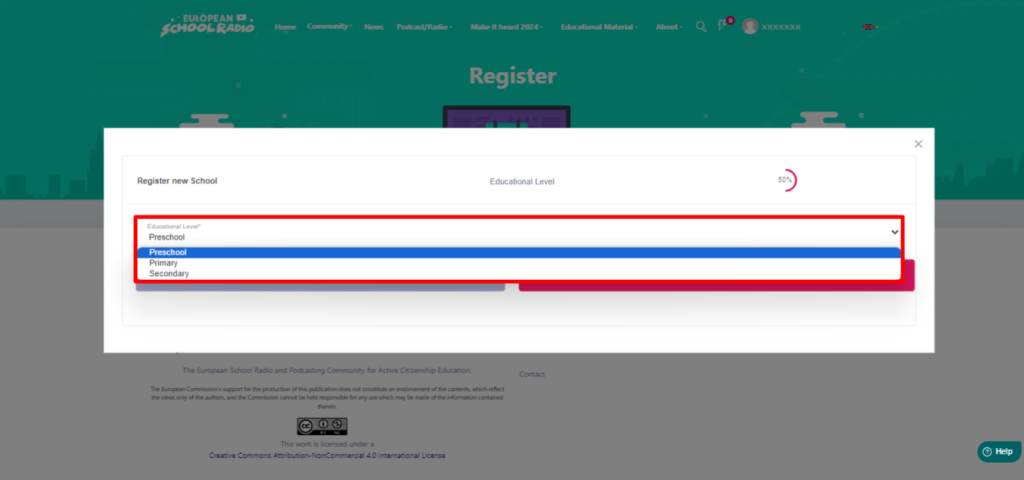
- Click “Next”.
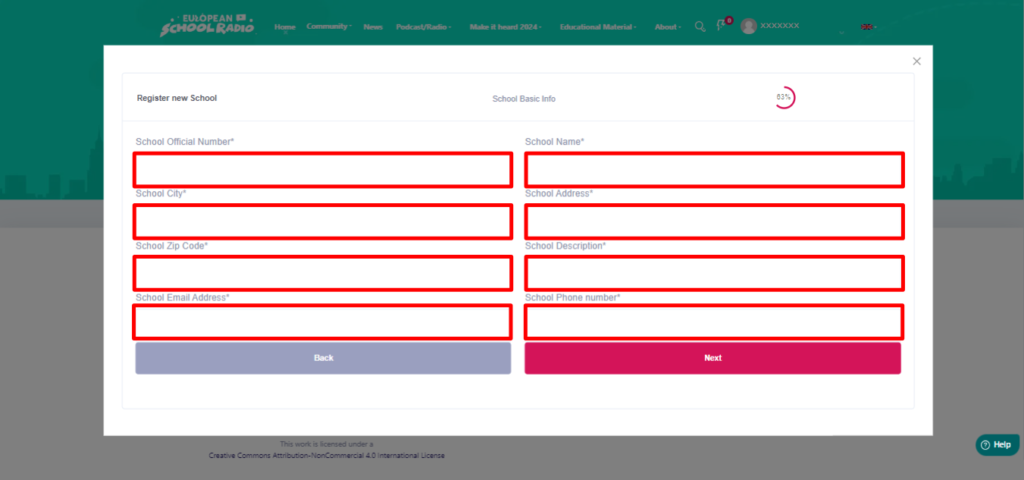
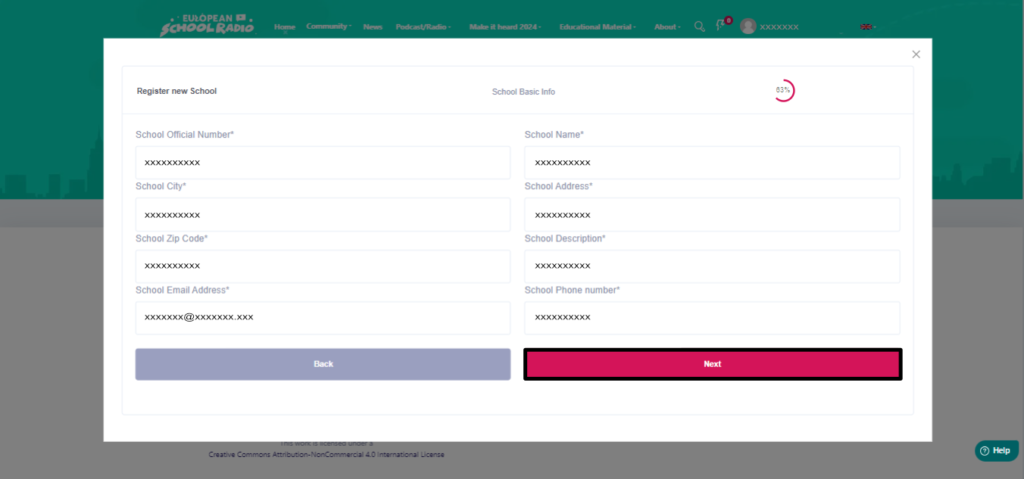
- Step 2: Fill in the required fields, then click “Next”.
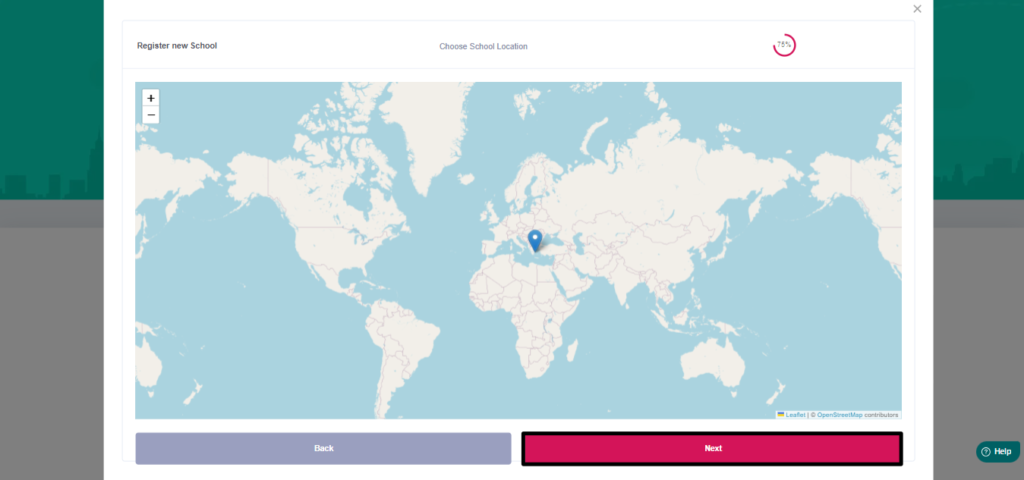
- Step 3: Select the exact location of the school on the map with the pin, then click “Next”
- Step 4: Fill in the necessary fields.
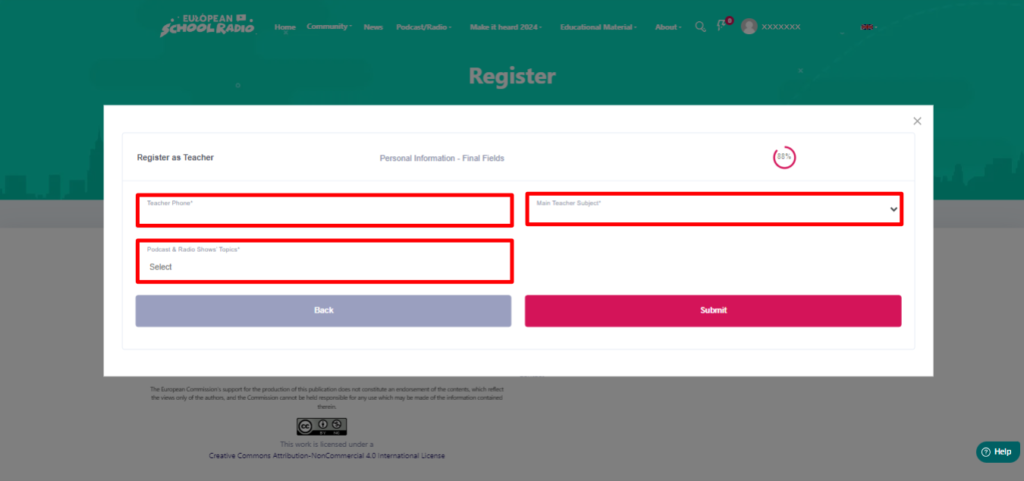
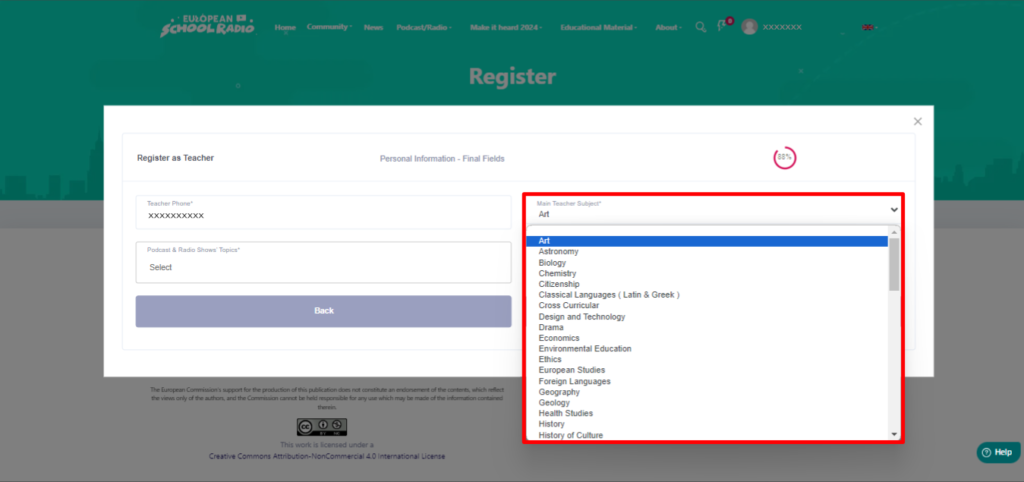
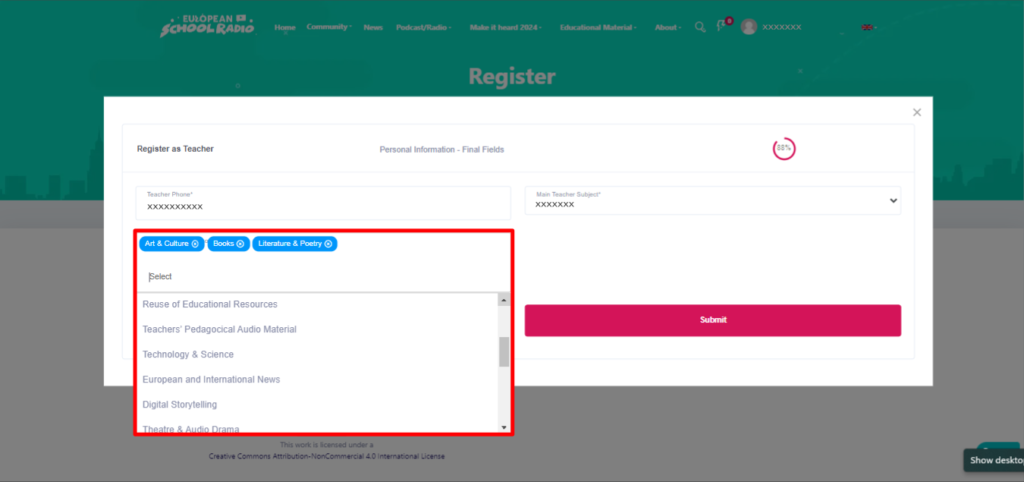
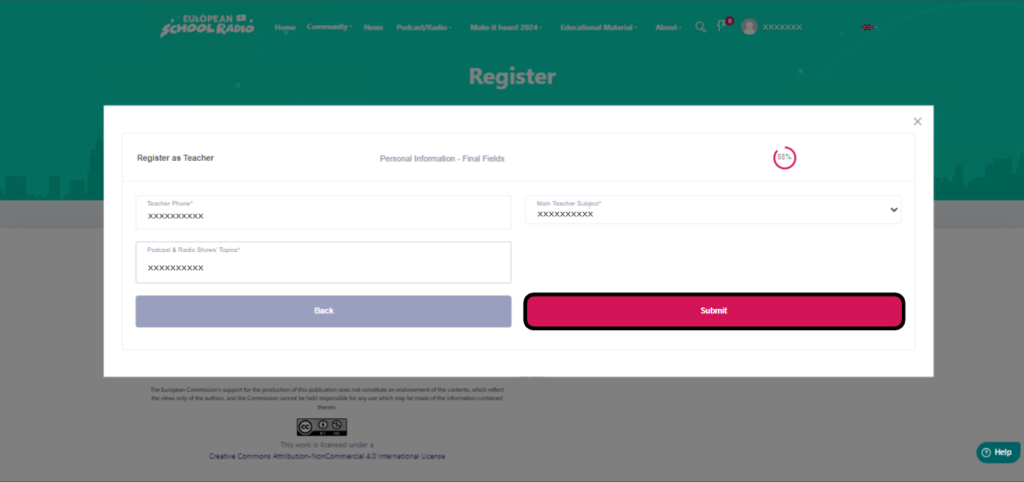
- Select “Submit“.
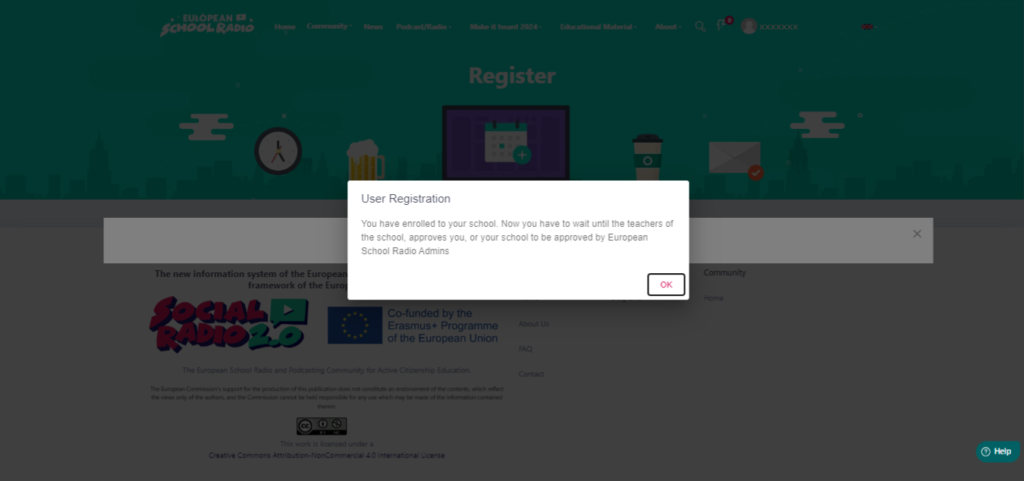
- Step 5: Wait until an administrator from European School Radio accepts you.
0 of 0 users found this section helpful
Help Guide Powered by Documentor

