

(English) Add an episode
Step 1: Locate the Podcast you want to add an episode and click on « + » icon.

Fill in the necessary fields and select « Continue« .
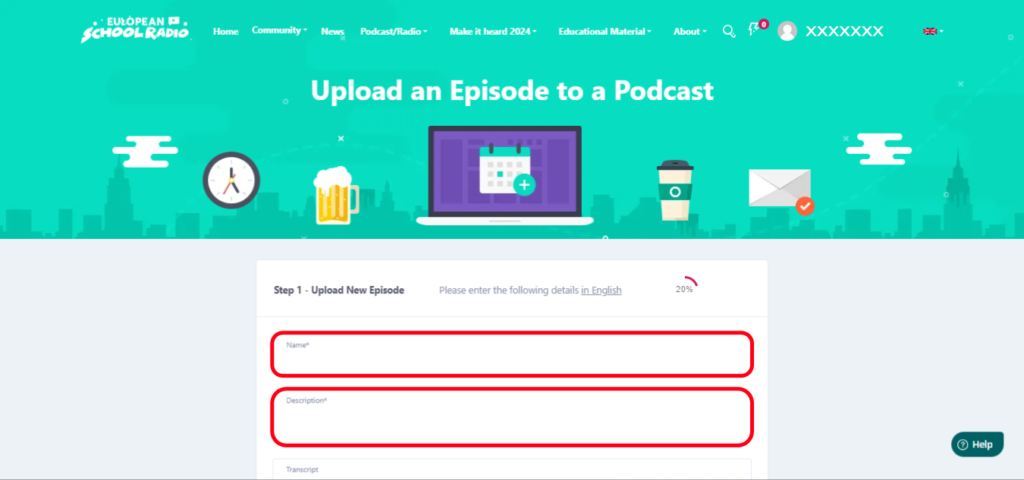
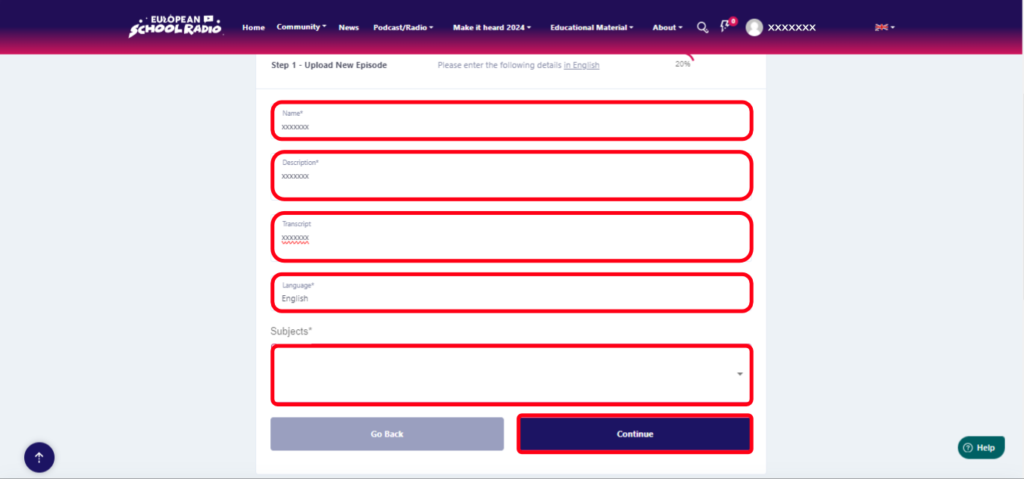
Fill in the necessary information in the corresponding fields and then click « Continue« .
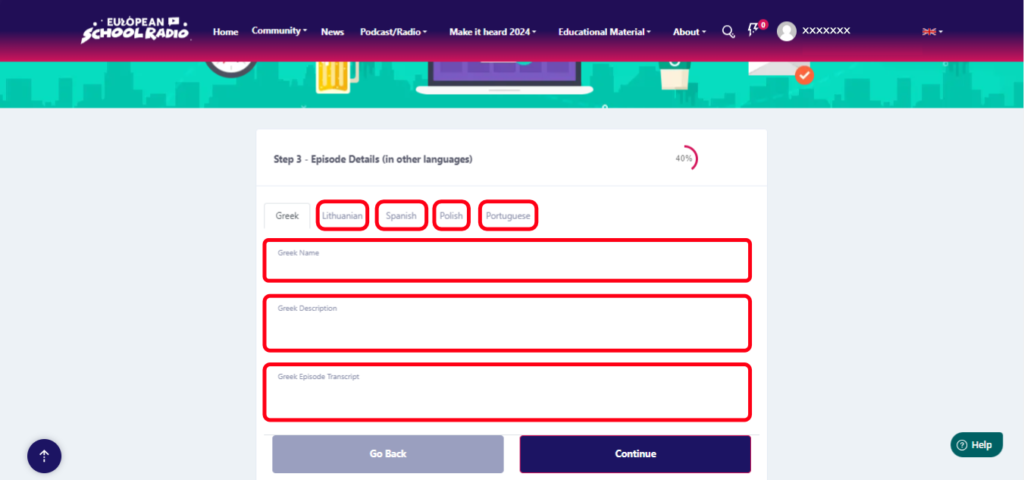
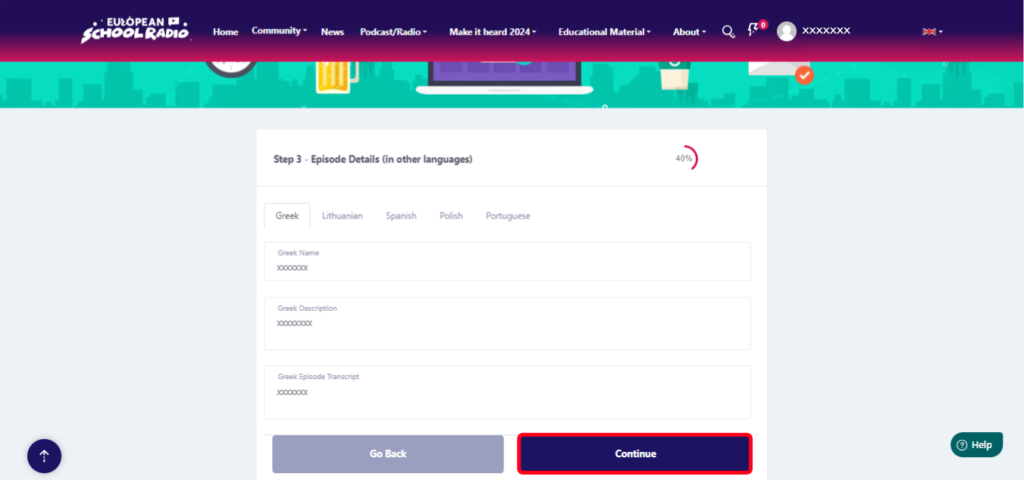
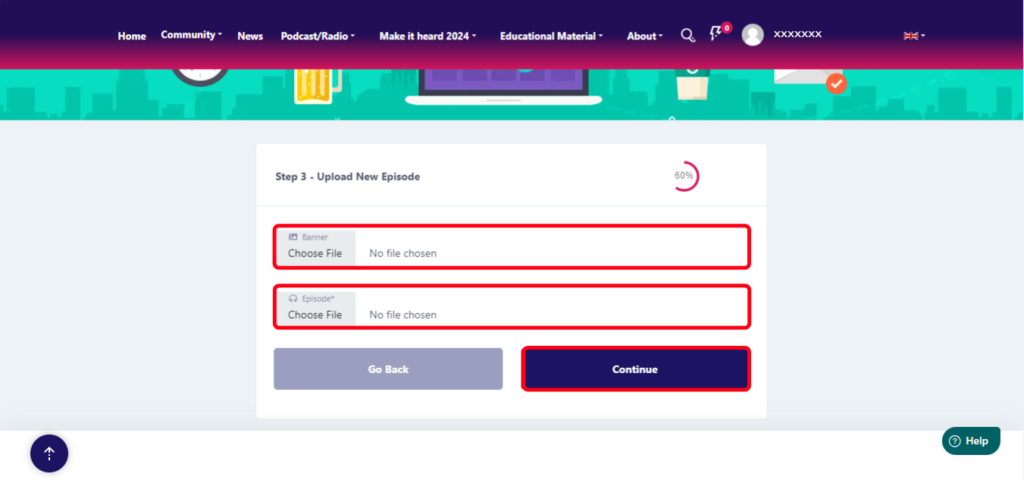
Next, select the files (Banner [image], Episode) and press « Continue«
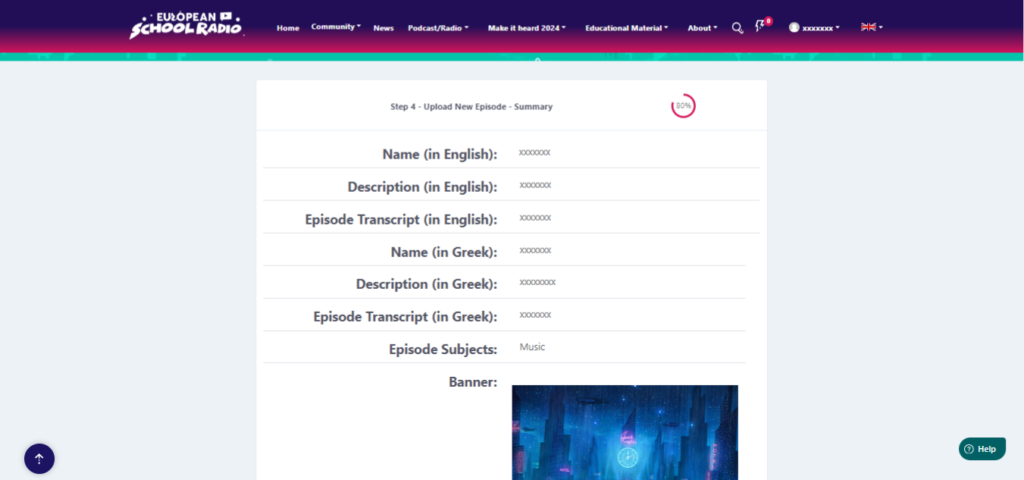
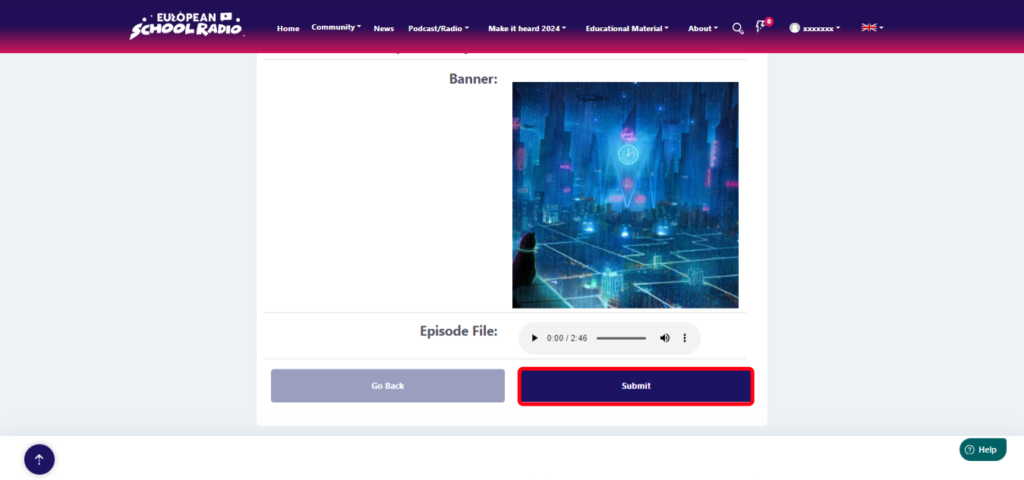
Summary of episode data. Select « Submit«
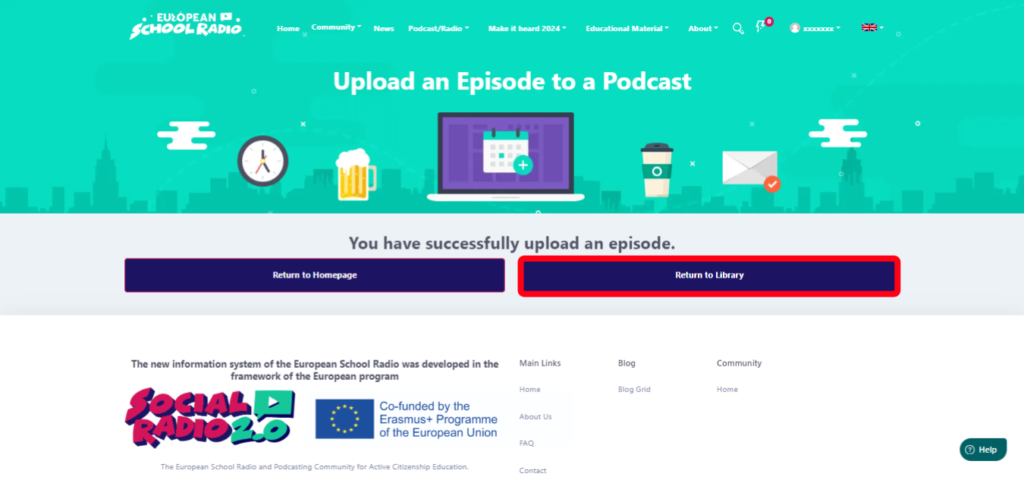
Click « Return to Library« .
Locate the Podcast you just added an episode to and click on its title

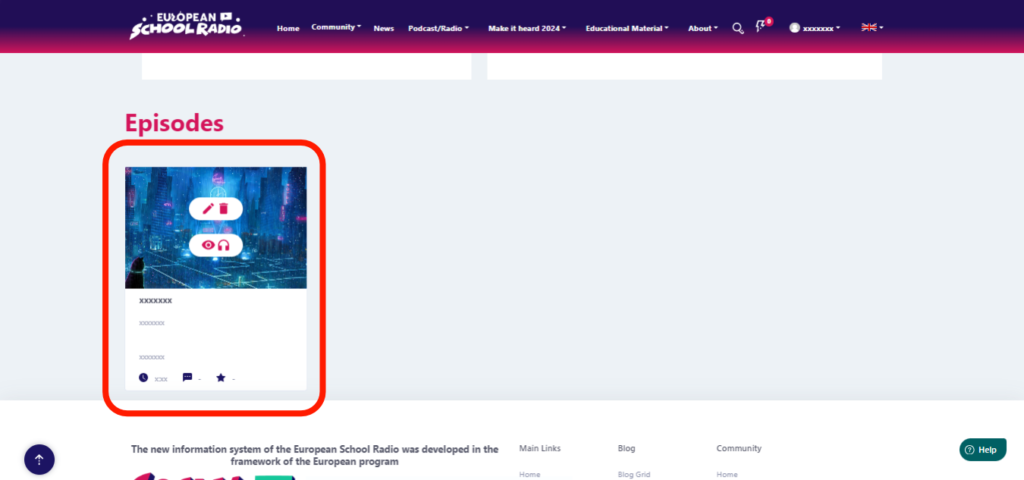
Scroll down

And as you can see here, this is the first episode in a podcast that we just created together.
0 of 0 users found this section helpful
Help Guide Powered by Documentor

