
(English) Participation Guide

Désolé, cet article est seulement disponible en English et Ελληνικά.

  1. (English) Registration / Users
    1. (English) User Roles
      1. (English) Teachers
        1. (English) Teachers and Students Aprooval
        2. (English) School administration
        3. (English) School data edit
        4. (English) Create a blog post in Community
        5. (English) Publish educational content H5P
      2. (English) Students
      3. (English) Visitors
    2. (English) Teacher Registration
      1. (English) Connect to a school
      2. (English) How to register my school in the platform
    3. (English) Student Registration
    4. (English) Visitor Registration
    5. (English) User profile management
    6. (English) User Library
  2. (English) Radio Shows
    1. (English) Prepare / promote your Broadcasts
      1. (English) Organize the Student Radio Team
      2. (English) Promote your participation in the School Radio
        1. (English) Activities to promote your Broadcasts
        2. (English) School Participation (Logo and Spot)
        3. (English) Create a Community Group
        4. (English) Listen to ESR from Your Website
      3. (English) Collaborate on Joint Broadcasts
      4. (English) Record your Radio Shows
    2. (English) Podcast or Radio Show
      1. Podcast
        1. (English) Create a Podcast
        2. (English) Edit a Podcast
        3. (English) Add an episode
        4. (English) Delete a Podcast
      2. (English) Radio Show
        1. (English) Short Radio Show
        2. (English) Book a Scheduled Radio Show
        3. (English) Edit a a Scheduled Radio Show[:}
        4. (English) Add an Episode to a Radio Show
        5. (English) Edit an Episode of a Radio Show
        6. (English) Delete a Radio Show
        7. (English) Live Broadcasting
        8. (English) Listen to your Broadcast
    3. (English) Search
      1. (English) Search Radio Shows and Podcasts
      2. (English) Search Schools
      3. (English) Search Users
  3. (English) Contests / Activities
    1. (English) Make it heard
      1. (English) Submit your entry
      2. (English) Entries Evaluation
        1. (English) Evaluation by Teachers
        2. (English) Evaluation by Students
        3. (English) Eveluation by the Jury
    2. (English) Other Activities by European School Radio
    3. (English) Teachers Training
  4. (English) Support

(English) User Library

Désolé, cet article est seulement disponible en English, Ελληνικά, Español, Polski et Português.


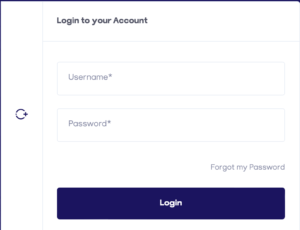
After registering, you can log in to European School Radio via the « Login » option. If you are a teacher from Greece, then you do not fill in your details in the first fields that appear, but by clicking on the blue letters: « Log in with your details in the Panhellenic School Network ».
 

After logging in, you will notice that you now have the option to « Add a show » in the horizontal menu under the « Podcasts/Productions » menu, and you also have your own profile on European School Radio by clicking on the icon with your name in the top right-hand corner. If you move the cursor to that point, a vertical menu will appear through which all the options you have are presented.
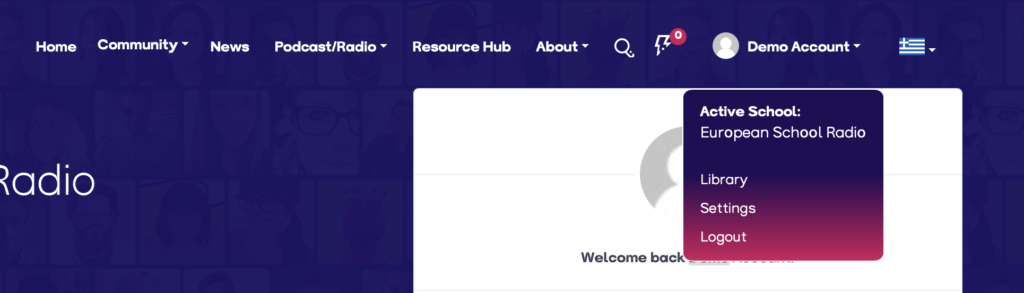
 

By clicking on the school name, you are given the option to select your active school. The list of your active schools is derived from the schools in which you are currently being taught in the current school year.

The next option, is that of the library. By clicking this option, then the platform, redirects you to the library page, where you can manage your productions and podcasts from there.

The following page will be displayed, where the tabs are detailed:

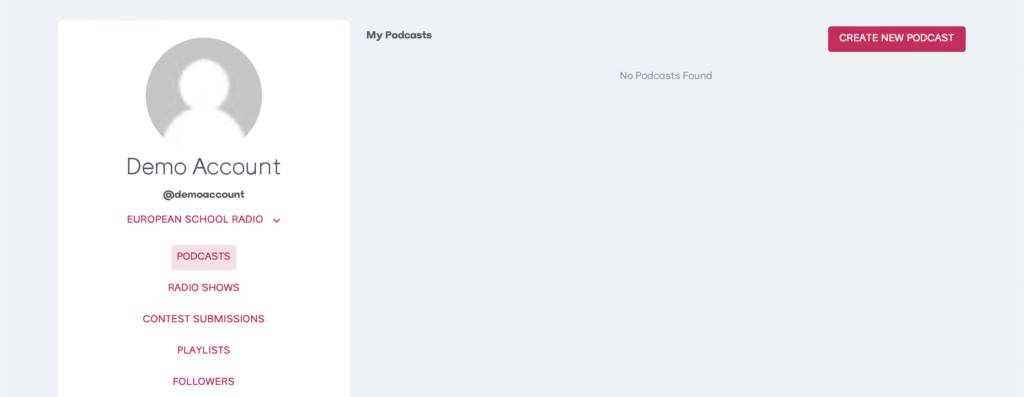
  1. Podcasts Management Page
    On the renewed platform of European School Radio, it is now possible to upload your own Podcasts. Podcasts are NOT rebroadcast on the station’s radio program.
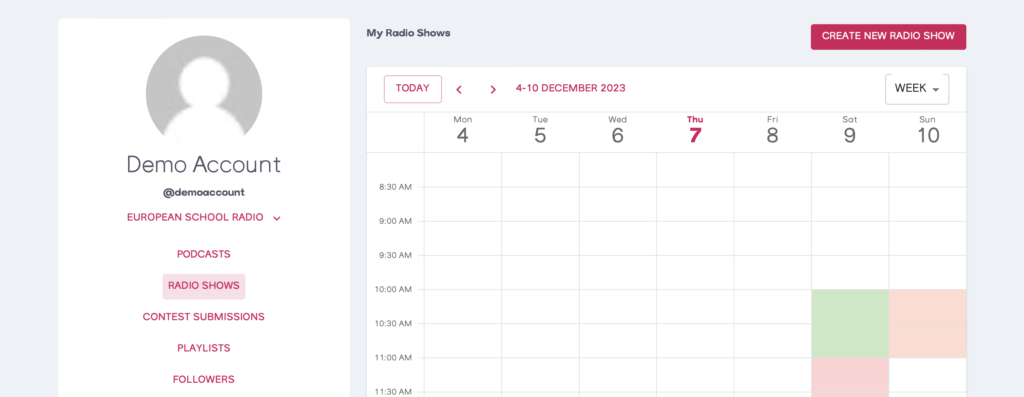
  2. Producer Management page
    On this page, you can manage your productions and radio bookings.
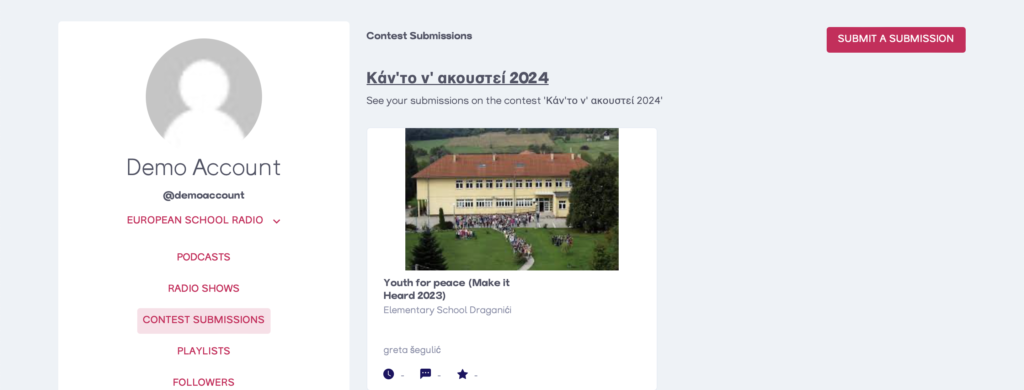
  3. Contest Submissions Page
    On this page, you can manage your submissions to future ‘Make it heard’ competitions organised by European School Radio.
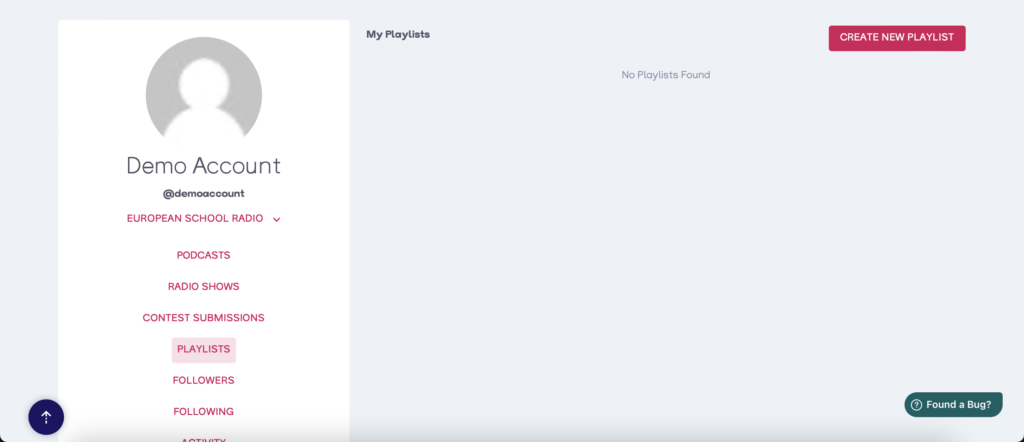
  4. Playlists page
    European School Radio’s revamped platform offers the possibility of storing your favourite episodes in playlists, so you can listen to your favourite episodes in an easy way.
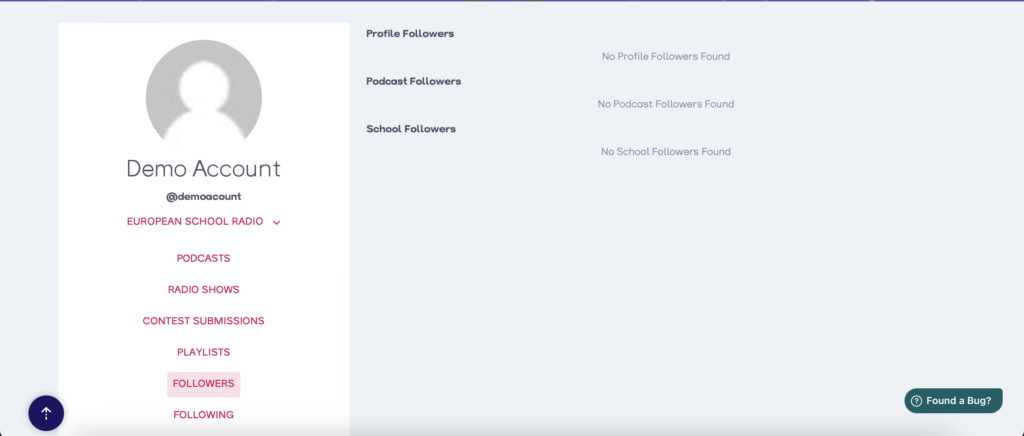
  5. Followers page
    This page displays the users, productions/podcasts, and schools that follow you as a user.
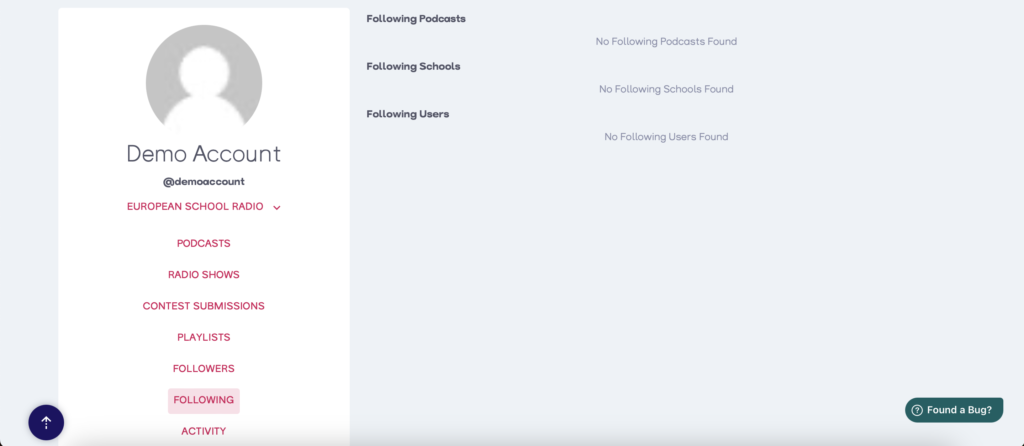
  6. Followers Page
    This page displays the users, productions/podcasts, and schools you follow as a user.
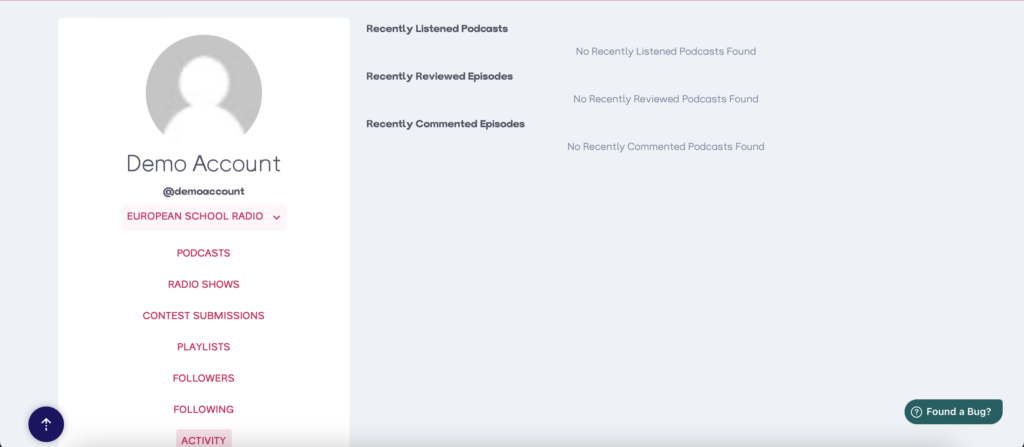
  7. Activity page
    This page displays the recent auditions you have done as a user. The episodes you have listened to are displayed in play order.
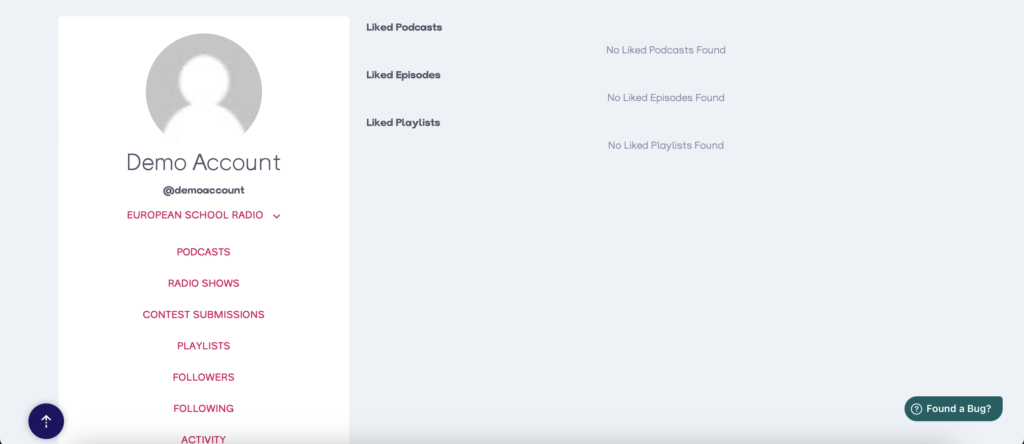
  8. « I like » rating page
    This page displays the episodes on which you have clicked the « I like » designation.
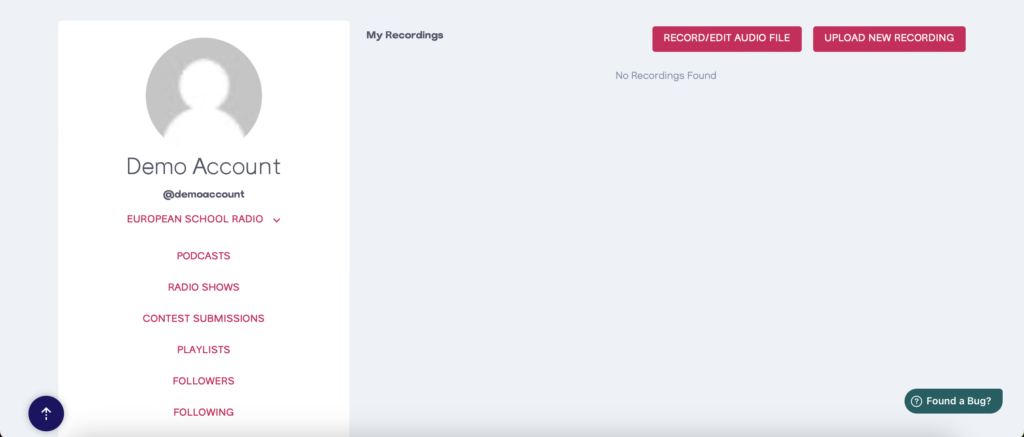
  9. Recordings page
    This page shows the recordings – audio edits you have made via the renewed European School Radio platform.
  10. Community page
    By clicking on the « Community » option from the side menu, you will be automatically redirected to your public profile in the renewed European School Radio community.

Yes No Suggest edit
0 of 0 users found this section helpful
Help Guide Powered by Documentor
Suggest Edit