
(English) Book a Scheduled Radio Show
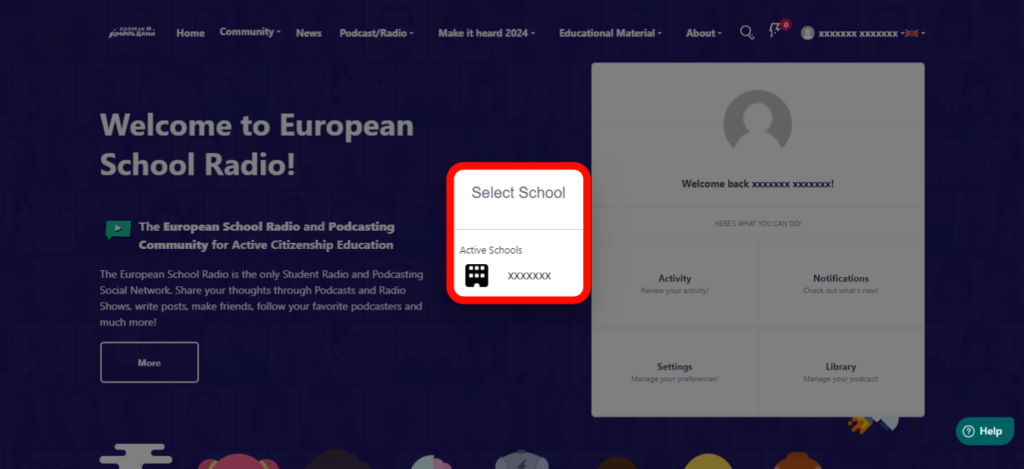
Step 1: Select the school in which you wish to create the scheduled broadcast, following the instructions below:
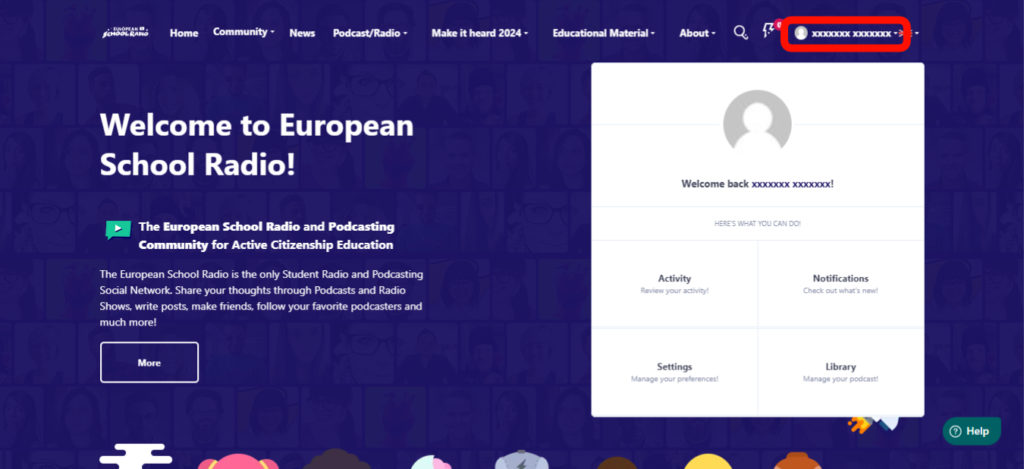
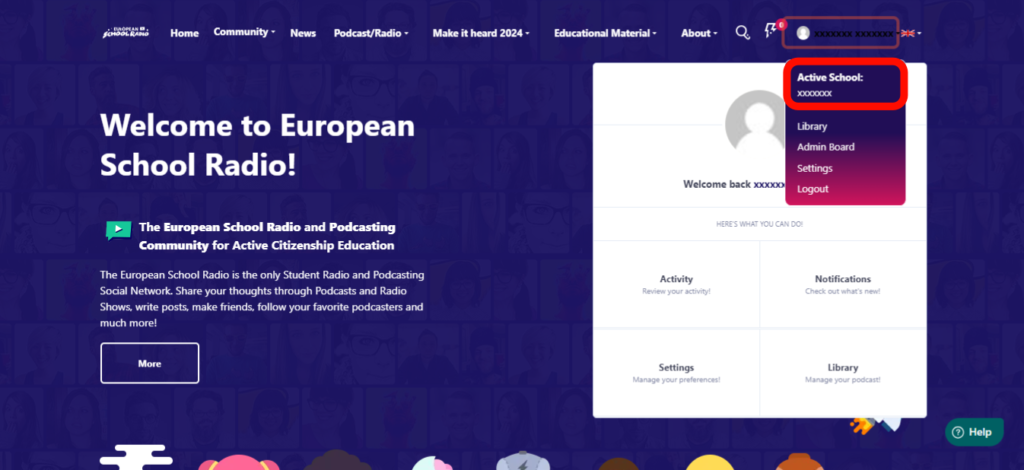
Select the school where you wish to create the scheduled broadcast.
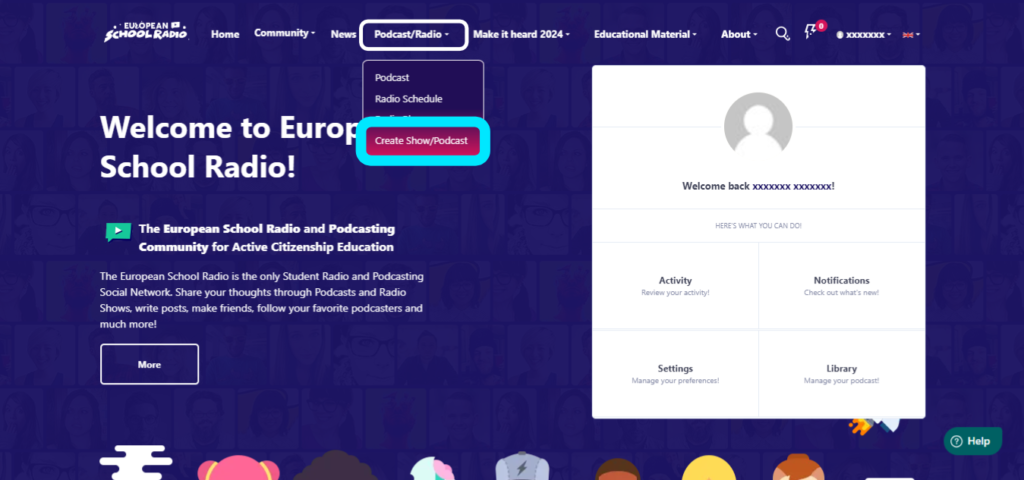
Step 2: After selecting the school, go to Podcast/Radio and select the « Create a Show/Podcast » option.
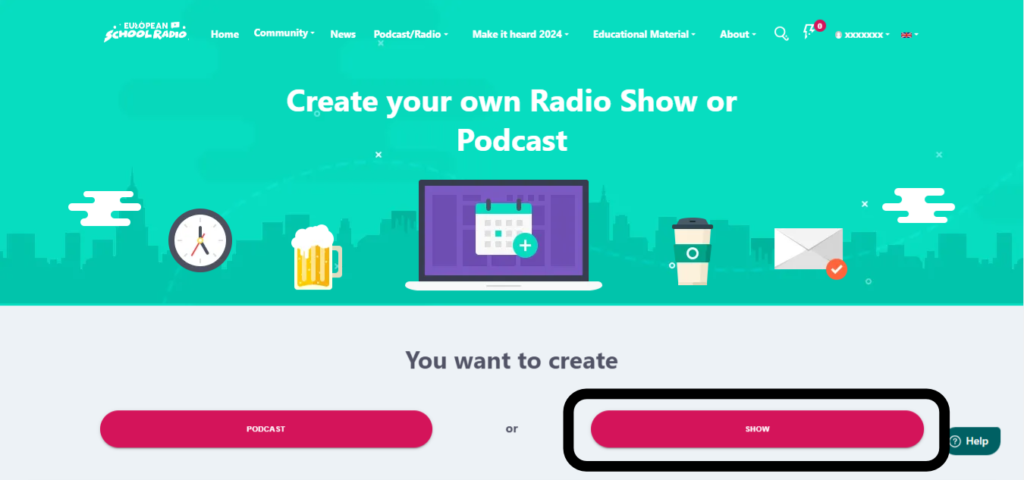
Select « SHOW«
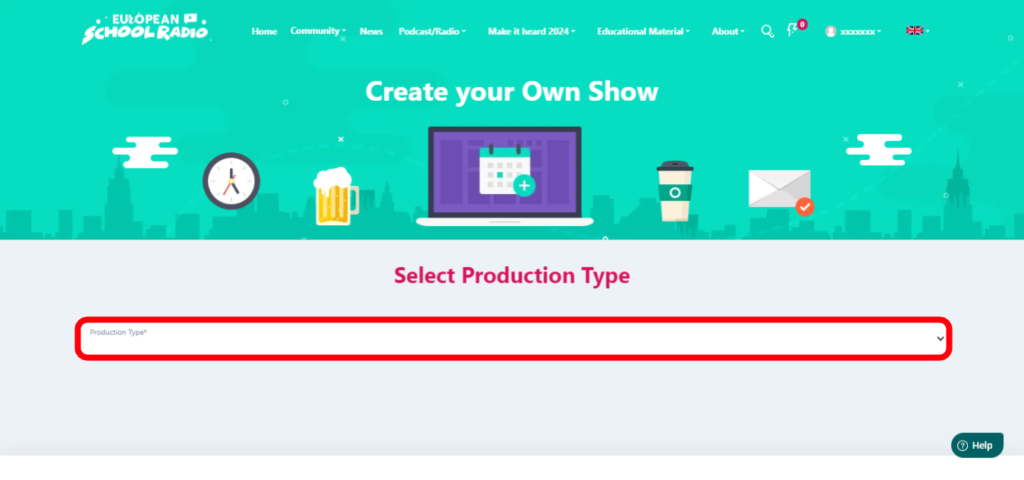
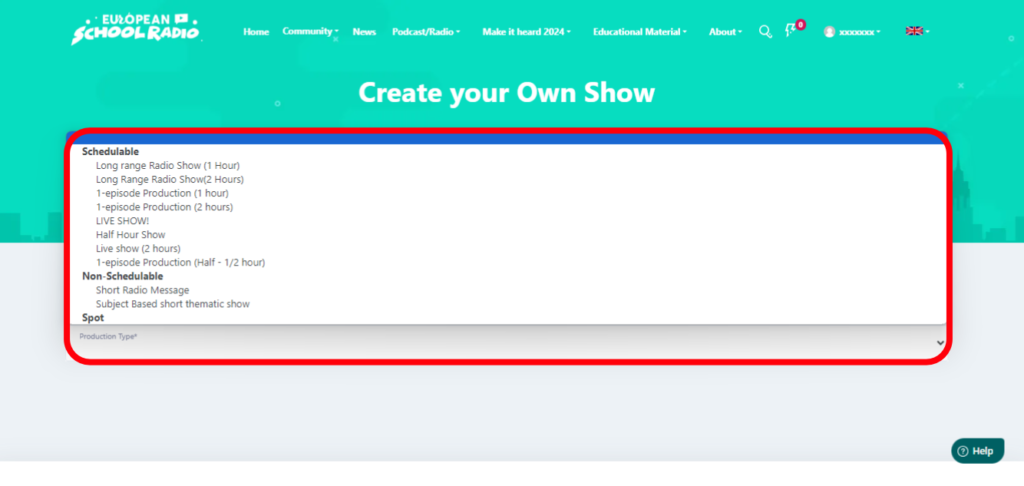
Select the production type of your show
In our case, the options under the ‘Schedulable‘ category
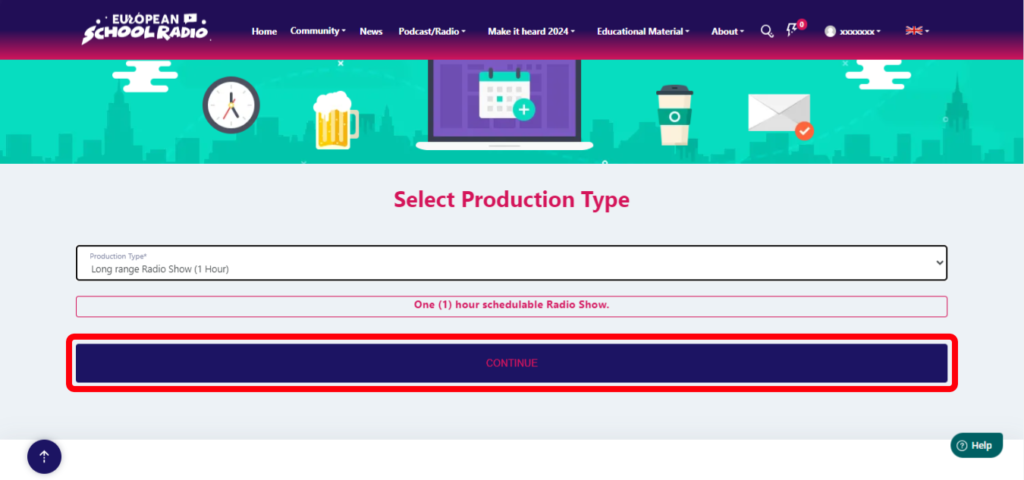
Select « CONTINUE«
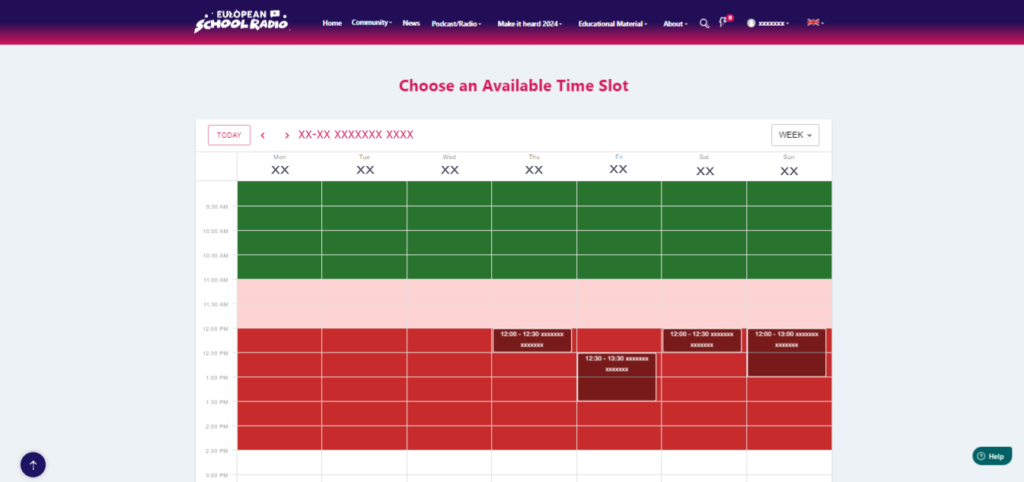
Choose an available place in the calendar
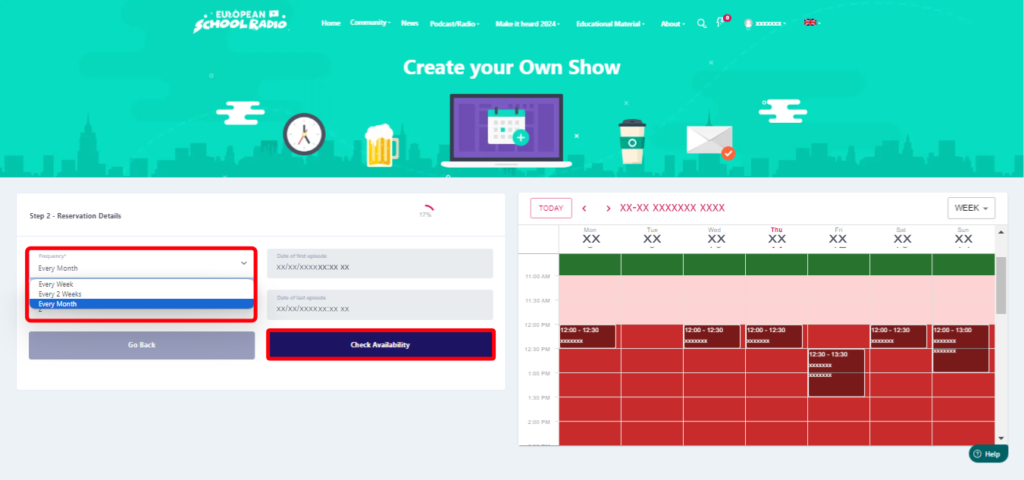
Select the frequency of the show and the episodes the show contains
Select » Check Availability «
Fill in the necessary fields, select next
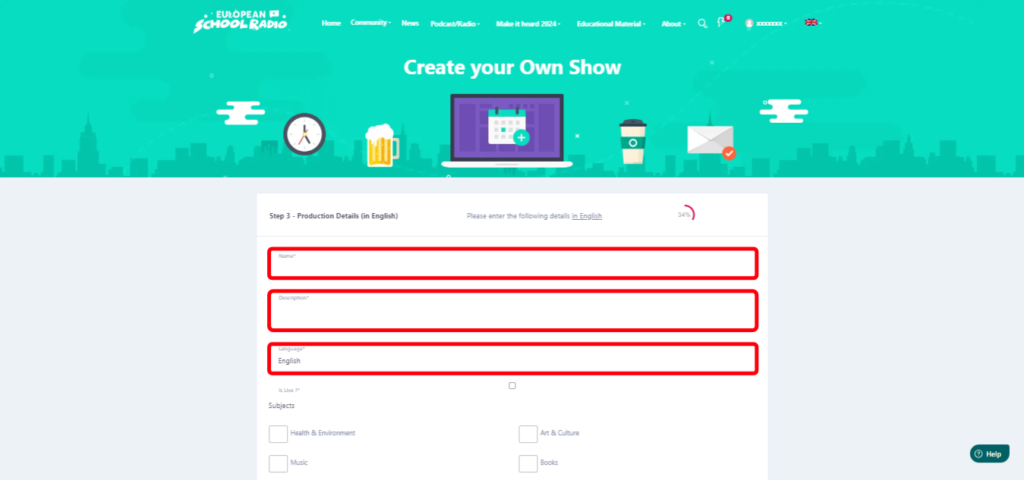
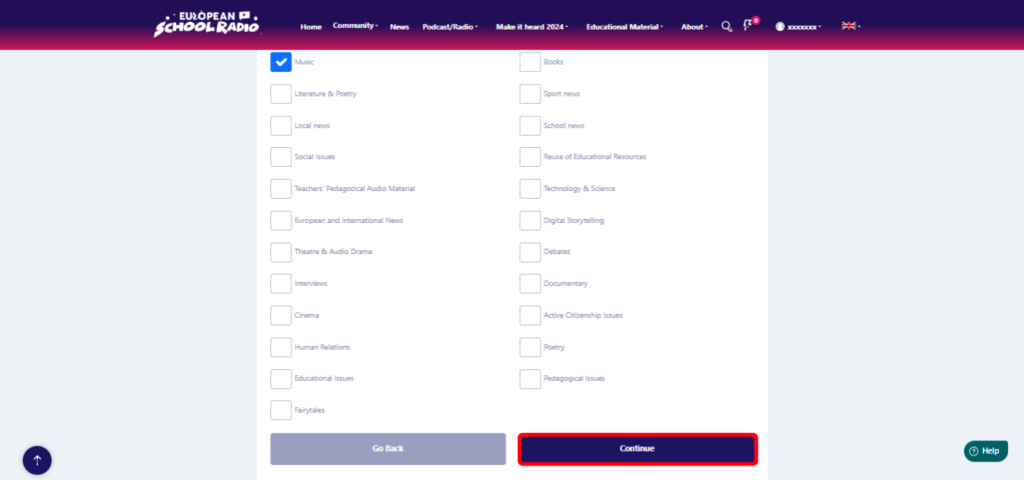
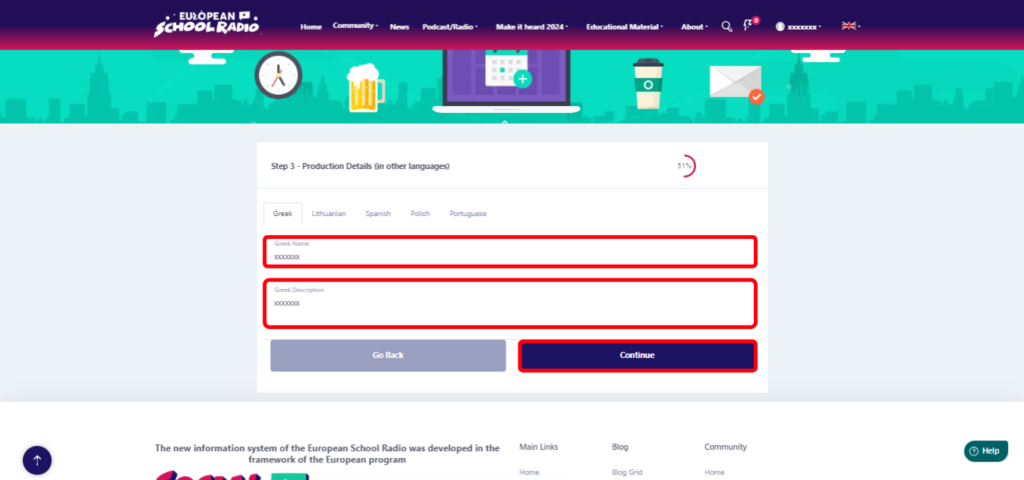
Fill in the necessary fields and then select « Continue«
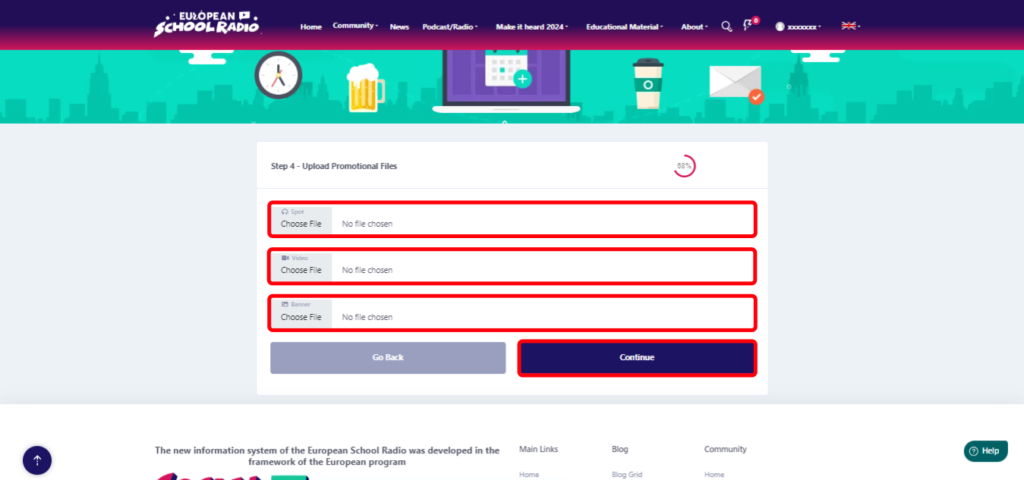
Next, select the files you want to add (Spot
,Video, Banner [image]) and press « Continue«
Summary of Scheduled Broadcast data .
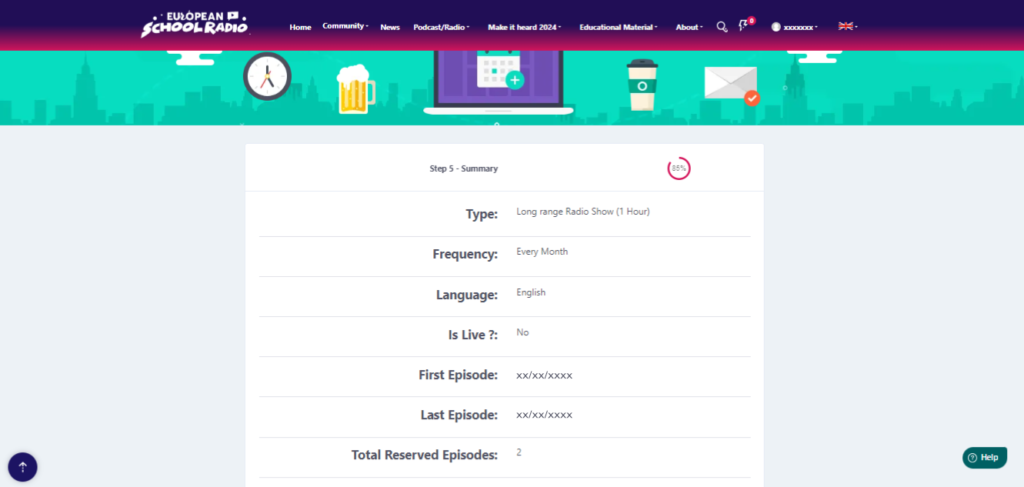
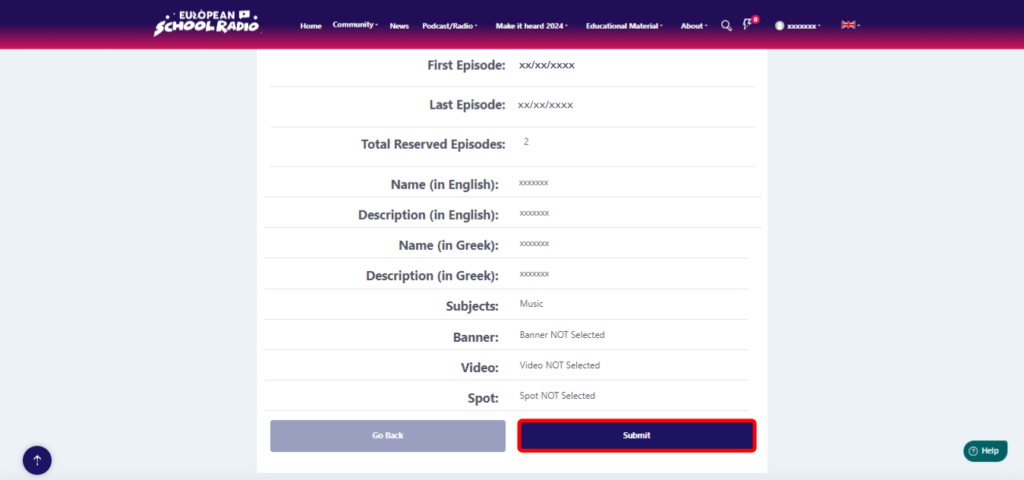
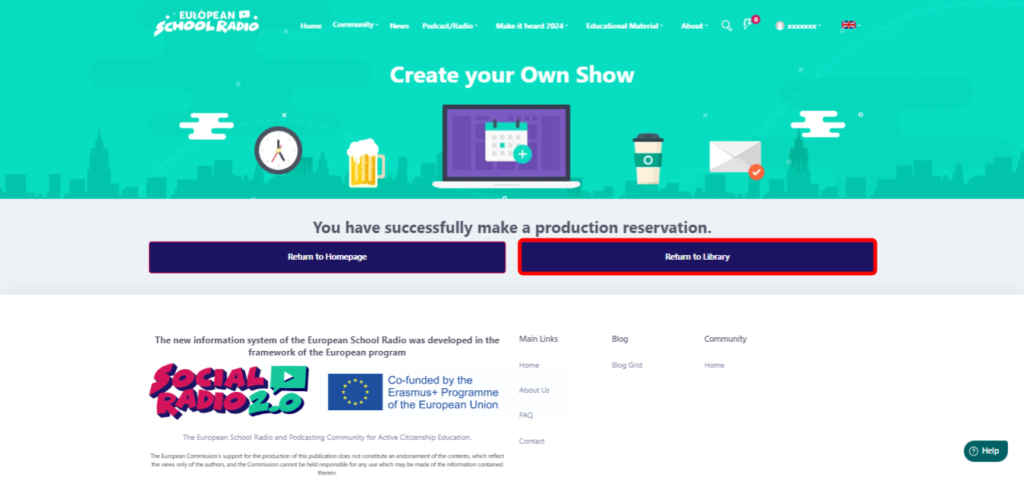
Click on the « Return to Library » option.
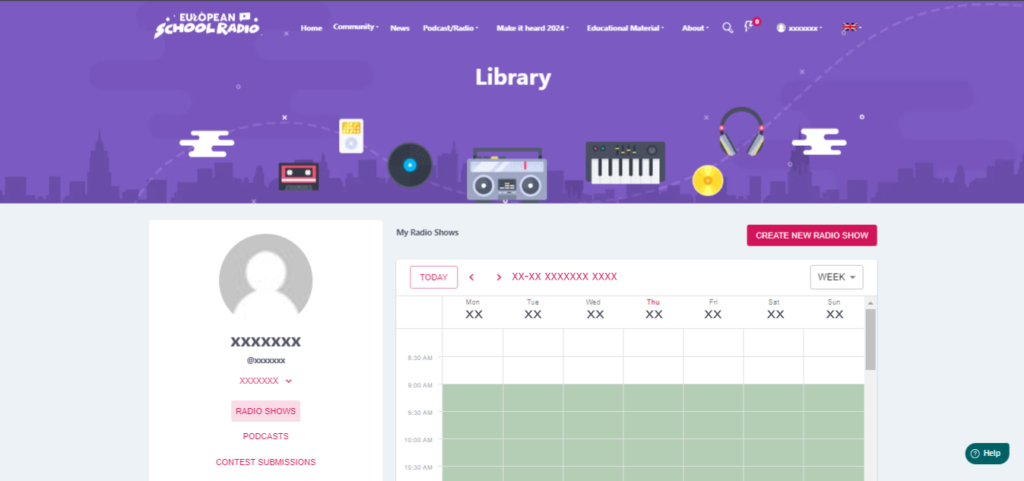
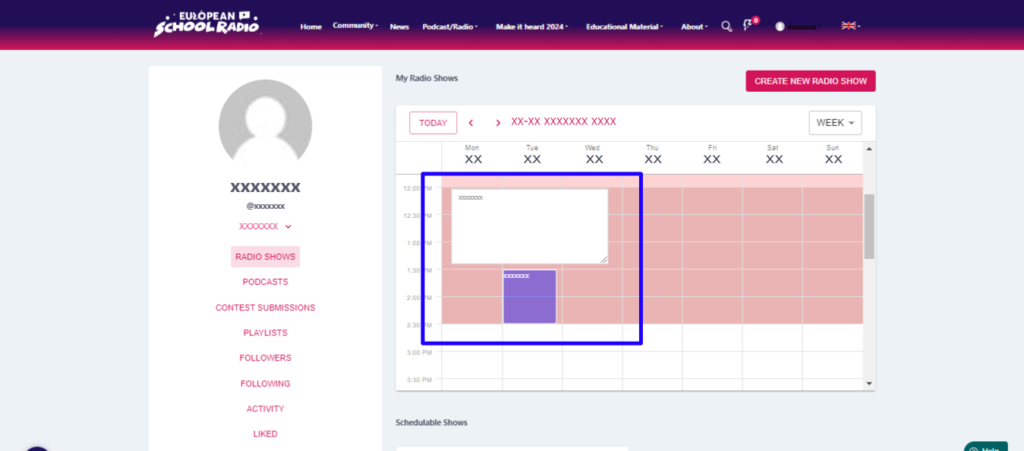
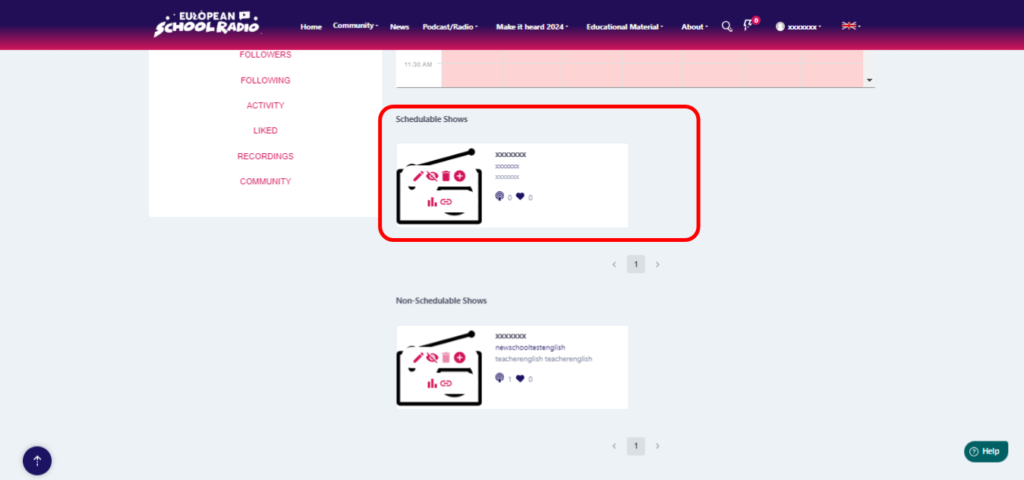
And as you can see here, this is the planned show that we just created together.